Core concepts
A handful of ideas explain almost everything in SandyWP. Read this once and the rest of the docs will click into place.
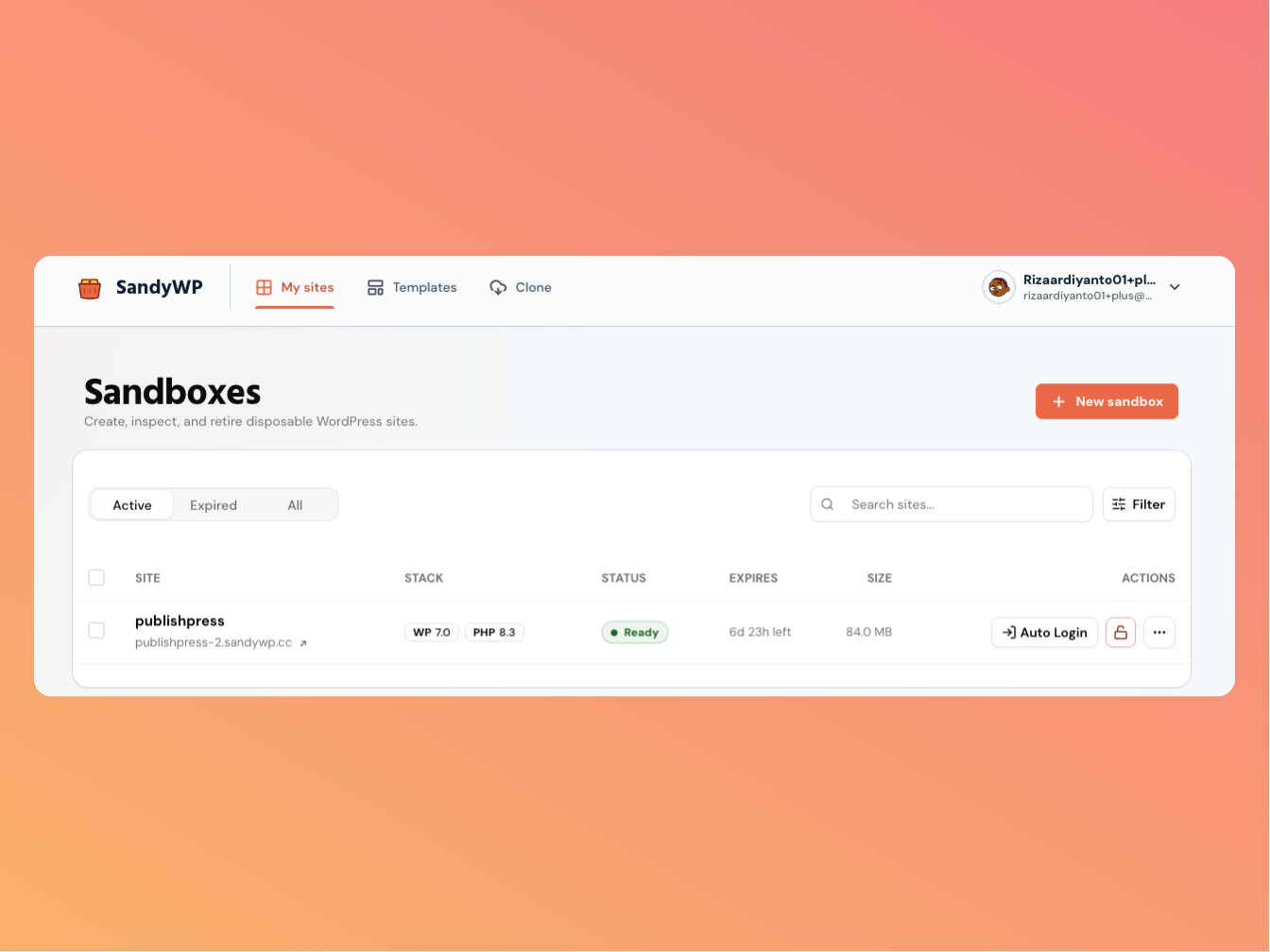
Sandbox
A sandbox is a real, isolated WordPress install running in its own
container. Each one has its own database, its own wp-content files volume, and
its own URL. Because sandboxes are isolated, a plugin that crashes one site never affects
your others. Sandboxes are disposable on purpose they expire automatically unless made
permanent.
Each sandbox gets a unique URL like {slug}.sandywp.dev and is disposable by design:
it expires automatically unless you make it permanent.
Slug & URL
Every sandbox gets a unique slug, which becomes its subdomain — {slug}.sandywp.dev. When you name a sandbox, the slug is that name verbatim e.g. my-site.sandywp.dev. If that name is already in use or reserved or you let us
pick a name for you an unguessable random suffix is added (e.g. my-site-a7k9xptz)
to keep it unique. The slug is also how the CLI addresses a sandbox.
The stack
Every sandbox runs a real WordPress + PHP stack. You choose the versions when you create it:
- WordPress the latest release by default, or pick an older line down to 6.6.
- PHP 8.5, 8.4, 8.3 (default), 8.2, 8.1, or 7.4. You can switch this later from PHP settings.
Under the hood each sandbox runs on Docker with its own database inside shared MariaDB, and TLS is terminated automatically so every sandbox URL is HTTPS.
Lifecycle & expiry
Sandboxes are short-lived by default. When you create one you pick a lifespan; when it expires, SandyWP tears it down container, database, files, and route so there is nothing to clean up.
- Guest sandboxes (no account) expire after 1 hour.
- Account sandboxes default to 1 week, and you can choose anywhere from 1 hour to 1 month.
- Permanent sandboxes never expire available on paid plans.
After a sandbox expires it is kept for a short grace period (so you can still see it under the Expired tab) and then permanently deleted. The grace period depends on your plan: guest sandboxes are kept for 6 hours, free-account sandboxes for 12 hours, and paid-plan sandboxes for 7 days. See Lifespan & permanence for the details.
Plans & limits
Your plan sets two things: how many sandboxes can be active at once, and how much total storage your sandboxes can use. The free plan allows 2 active sandboxes; paid plans raise both limits and unlock permanent sandboxes. Your current usage is shown in the account menu in your dashboard. See Plans & limits.
Templates
A template is a saved snapshot of a sandbox its WordPress and PHP versions plus all of its content (plugins, themes, settings, data). Create new sandboxes from a template to skip the setup every time. See Templates.
Regions (servers)
Sandboxes run on workers in different regions. When creating a sandbox you can leave the server on Auto (the best available region) or pin it to a specific one, such as Europe (Germany) or Southeast Asia (Singapore). The available regions depend on capacity.
API keys
A personal API key authenticates the CLI and the HTTP API. Generate and revoke keys from the account menu (API keys). Every API request carries the key as a bearer token. See API keys.
Next steps
- Create a sandbox every option explained.
- Open wp-admin magic login and credentials.