sandywp / plugins / official-mailerlite-sign-up-forms

MailerLite
Signup forms (official)
Add newsletter signup forms to your WordPress site. Subscribers will be saved directly to your MailerLite account. Super easy to set up!
Ready in seconds.
v1.7.26 100,000+ installs WP 3.0.1+ PHP 7.2.5+
What you get inside
6 screens-
screenshot-1.jpg
-
screenshot-2.jpg
-
screenshot-3.jpg
-
screenshot-4.jpg
-
screenshot-5.jpg
-
screenshot-6.jpg
About this plugin
MailerLite – Signup forms (official) plugin
The Official MailerLite signup forms plugin makes it easy to grow your newsletter subscriber list from your WordPress blog or website. The plugin automatically integrates your WordPress form with your MailerLite email marketing account.
If you don’t have MailerLite account yet, you can signup for a FREE trial here.
Once you activate the plugin, you’ll be able to select and add any of the pre-built webforms from your MailerLite account or create a new form from scratch. You can place the form in the sidebar using a widget or use a shortcode to put it wherever you want.
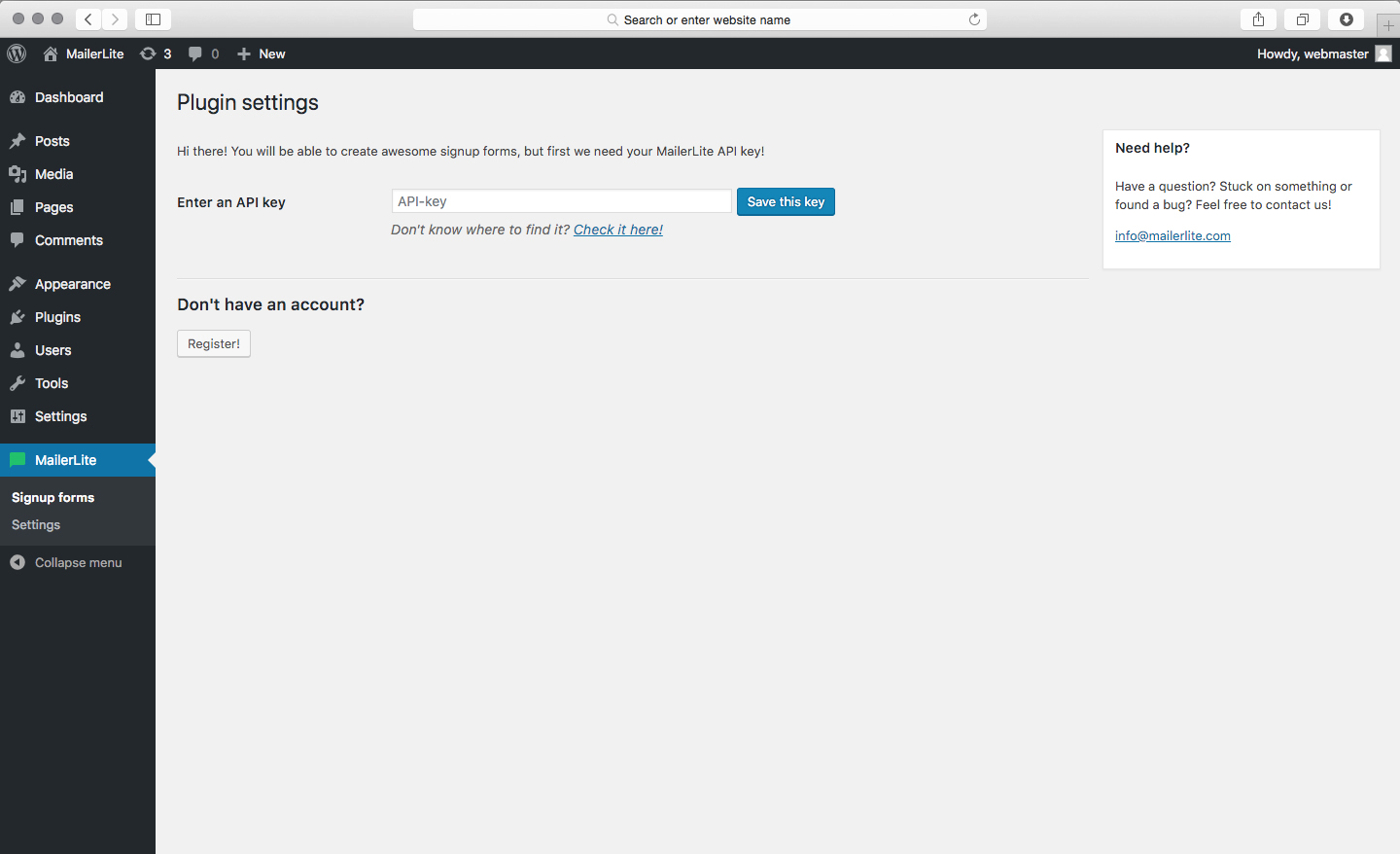
Setup is fast and easy! You just need to enter your MailerLite account API code and you’re all set.
Plugin features include:
- Easily-to-add webforms from MailerLite to your WordPress blog or website
- Option to create new webforms
- WordPress 5 new editor support
- Save subscribers automatically to your MailerLite account
- Place webforms using widget or shortcode
- Double opt-in signup
- Updated plugin layout
- Automate welcome emails from your MailerLite account
Arbitrary section
Questions
- Requirements
- Requires PHP5 and CURL.
- What is the plugin license?
- This plugin is released under a GPL license.
- What is MailerLite?
MailerLite is easy to use web-based email marketing software. It can help you create and send email newsletters, manage subscribers, track and analyze results.
- Do I need a MailerLite account to use this plugin?
Yes, you can easily register at www.mailerlite.com
- How to display a form in posts or pages?
Use shortcode with form id which you created [mailerlite_form form_id=1].
- How to display a form in widget areas like a sidebar?
Just add “MailerLite signup form widget” and select form you have created
- How to display a form in my template files?
Use the load_mailerlite_form($id) function.
<?php if( function_exists( 'load_mailerlite_form' ) ) { load_mailerlite_form(0); }- How can I style the sign-up form?
You can use CSS rules to style the sign-up form, use the following CSS selectors to target the various form elements.
Every form can be different, because element ID of form is:
#mailerlite-form_(your_form_id)Elements of form can be styled.
.mailerlite-form .mailerlite-form-title {} /* the form title */
.mailerlite-form .mailerlite-form-description {} /* the form description */
.mailerlite-form .mailerlite-form-field label {} /* the form input label */
.mailerlite-form .mailerlite-form-field input {} /* the form inputs */
.mailerlite-form .mailerlite-form-loader {} /* the form loading text */
.mailerlite-form .mailerlite-subscribe-button-container {} /* the form button container */
.mailerlite-form .mailerlite-subscribe-button-container .mailerlite-subscribe-submit {} /* the form submit button */
.mailerlite-form .mailerlite-form-response {} /* the form response message */
Add your custom CSS rules to the end of your theme stylesheet, /wp-content/themes/your-theme-name/style.css. Do not add them to the plugin stylesheet as they will be automatically overwritten on the next plugin update.
sandywp / also on the shelf
Try another plugin

MC4WP: Mailchimp for WordPress
4.8 · 1M+ installs
The #1 Mailchimp plugin for WordPress. Allows you to add a multitude of newsletter sign-up methods to your site.

4.2 · 200K+ installs
MW WP Form is shortcode base contact form plugin. This plugin have many features. For example you can use many validation rules,…

Conditional Fields for Contact Form 7
4.8 · 100K+ installs
Adds conditional logic to Contact Form 7.
Spin up a real WordPress site in seconds.
Test plugins, build a demo, hand a client a link — then squash it and start again. No local setup, no Docker.