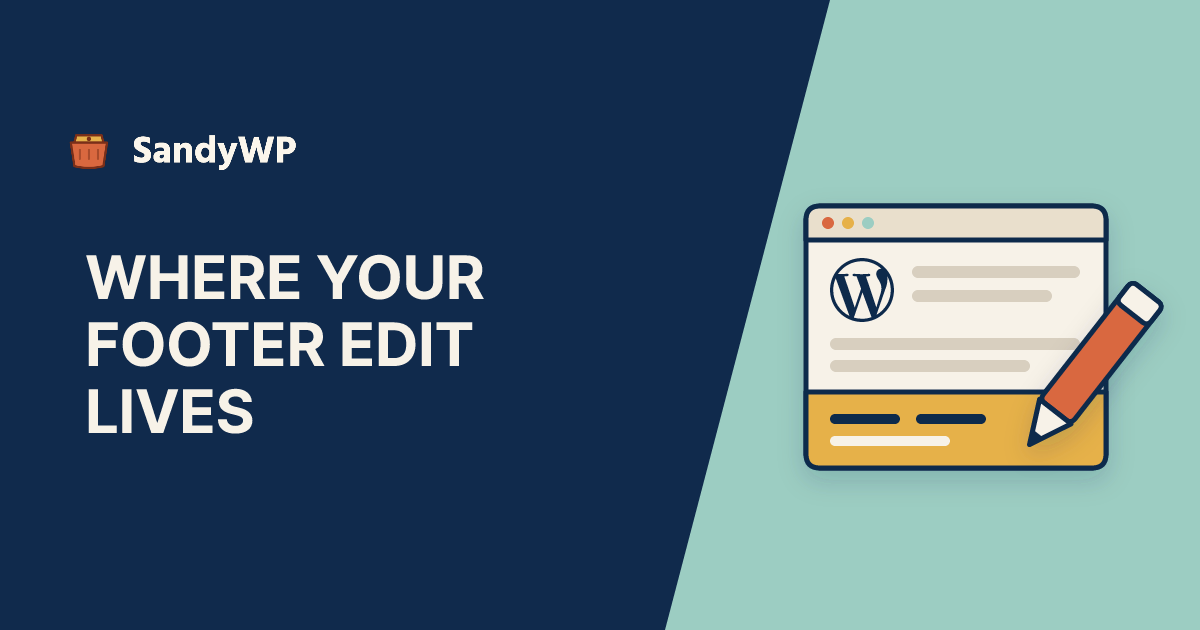
To edit the footer in WordPress, first check which kind of theme you run. In a block theme (every default theme since Twenty Twenty-Three), go to Appearance, Editor, Patterns, open the Footer template part, change it, and click Save.
In a classic theme, the footer comes from the theme's settings in Appearance, Customize, from widget areas in Appearance, Widgets, or from the footer.php file.
Those steps are on every guide that ranks for this. What none of the four we read (WPBeginner, Hostinger, Kinsta and InstaWP) says is where your edit goes once you click Save.
In a block theme it goes into the database and from then on beats the theme's own file. That is why some footer changes "disappear" after a theme switch, and why a theme update can fix everything except your footer.
Everything below is checked against the WordPress 7.1.4 source and the Twenty Twenty-Five theme.
Is my theme a block theme or a classic theme?
Look at the Appearance menu.
If it has Editor, you run a block theme, and the footer is a template part. If it has Customize and maybe Widgets but no Editor, you run a classic theme.
WordPress decides this in wp-admin/menu.php with wp_is_block_theme(). Block themes get the Editor item and lose Customize, unless a plugin or the theme registers Customizer settings.
Widgets only appears when the theme registers widget areas. So a missing Widgets menu is normal on a block theme, not a broken install.
How do I edit the footer in a block theme?
- Go to Appearance, Editor.
- Click Patterns, then Footer under Template parts, and pick the footer part.
- Click the footer to edit it. Change text, links, columns or colours like any other blocks.
- Click Save.
The change applies to every template that includes that part, so one save updates the footer site-wide.
Some themes ship several footers. Twenty Twenty-Five has footer.html, footer-columns.html and footer-newsletter.html in its parts folder.
Make sure you edit the one your templates actually use, which you can see by opening a template such as Pages and selecting the footer in the List View.
Where does WordPress save a block-theme footer edit?
As a post. When you save a template part, WordPress stores it as a row in wp_posts with post_type set to wp_template_part and post_name set to the part's slug, such as footer.
It also tags that row with a term in the wp_theme taxonomy. The term is the active theme's folder name, for example twentytwentyfive.
From then on, the database copy wins. In get_block_templates(), core queries the saved posts first, and the comment in the source is blunt: "If the query has found some user templates, those have priority over the theme-provided ones."
The Template Part block does the same thing when it renders a page: it looks for a published wp_template_part post for the active theme, and only reads parts/footer.html if there is none.
You can see your saved parts over SSH with WP-CLI:
wp post list --post_type=wp_template_part --fields=ID,post_name,post_modified
wp post term list 123 wp_theme --fields=name
The second command, with the ID from the first, shows which theme the saved footer belongs to.
Why did a theme update not change my footer?
Because your footer is no longer the theme's footer. A theme update replaces the files in wp-content/themes/<theme>/, including parts/footer.html, but it never touches your wp_template_part post.
So if the theme author fixes a layout bug or adds a new block to the footer, you keep your saved version. Everything else on the site updates; the footer does not.
This is usually what you want, since an update should not wipe your work. It is still worth knowing before you file a bug with the theme author.
Why did my footer edits disappear after switching themes?
They did not disappear. They are tied to the old theme's folder name, and the new theme does not look for them.
Switch back and they return. Both the Template Part block and get_block_templates() filter the wp_theme term by get_stylesheet(), the active theme's folder.
The same applies to child themes. Activate a child of Twenty Twenty-Five and the footer you customized under the parent is not used, because the child has a different folder name.
Copy the content across in the editor, or export it first (below).
Deleting the theme does not remove these posts either. We covered that in what deleting a theme leaves behind, and testing a theme switch goes through the rest of what changes.
How do I reset the footer to the theme's original?
In Appearance, Editor, Patterns, open the actions menu (the three dots) on the Footer template part and choose Reset. WordPress asks "Reset to default and clear all customizations?" and then shows "Template reset."
That option only appears when the part is customized and the theme has a file for it. If you created the part from scratch, there is no original to go back to, so Reset is not offered.
If you only want to undo the last few saves, use revisions. wp_template_part supports revisions, so the editor's Revisions panel lets you step back without losing everything.
Over WP-CLI, permanently deleting the saved post has the same visible result, because the file is used again once no published post exists:
wp post delete 123 --force
Do that on a copy first. There is no undo for --force.
How do I move my footer edits back into the theme files?
Use Export. In the Site Editor, open the Options menu (the three dots at the top) and choose Export, described as "Download your theme with updated templates and styles."
It downloads a zip of the active theme. Core's wp_generate_block_templates_export_file() writes every template part, customized or not, into parts/<slug>.html, so your saved footer becomes the theme's parts/footer.html.
That is how a theme developer turns edits made in the editor into a file they can commit. If you build themes, our theme developers page covers how we use disposable sites for that loop.
How do I edit the footer in a classic theme?
Start with the theme's own settings in Appearance, Customize. Many classic themes add a Footer section for copyright text, column count or credit links.
Those settings are stored in one option per theme, named theme_mods_<theme-folder>. They are tied to the theme like block-theme parts are, so they are not carried over when you switch.
Next, check Appearance, Widgets. If the theme registers footer widget areas, you can put text, links, images or a menu block there.
For a footer menu, use Appearance, Menus and assign the menu to the theme's footer location, if it has one.
If none of those reach the part you want to change, the text is hard-coded in footer.php.
How do I edit footer.php without losing the change?
Do it in a child theme. Editing the parent's footer.php works until the next theme update replaces the file.
WordPress's get_footer() calls locate_template(), which checks the child theme's folder first and the parent's second. A footer.php in the child wins.
Copy the parent's footer.php into the child theme and edit the copy. If the theme calls a named footer, such as get_footer( 'shop' ), the file to copy is footer-shop.php.
Keep the wp_footer() call just before </body>. Core prints footer scripts on that hook (wp_print_footer_scripts at priority 20), so removing it breaks any plugin that loads JavaScript in the footer.
The Theme File Editor (under Appearance on classic themes, under Tools on block themes) has one safety net. When you save a PHP file of the active theme, WordPress makes a loopback request to the site and puts the old file back if it hits a fatal error.
If the loopback fails, it reverts anyway with "Unable to communicate back with site to check for fatal errors, so the PHP change was reverted." Over SFTP there is no such net. Our theme editor post has the details.
How do I remove "Powered by WordPress" from the footer?
In a block theme, the credit is just a Paragraph block inside the footer part. Twenty Twenty-Five's says "Designed with WordPress".
Select it in the editor, delete it, and save.
In a classic theme, look for a credit toggle in Appearance, Customize first. If there is none, remove the line from your child theme's footer.php.
WordPress is licensed under the GPL, which does not require you to keep a credit link. Some commercial themes ask for one in their own terms, so check those.
How do I add a script to the footer?
Hook wp_footer, rather than pasting the script into footer.php or a footer part. A must-use plugin survives theme switches and updates:
<?php
// wp-content/mu-plugins/footer-snippet.php
add_action( 'wp_footer', function () {
    echo '<script src="https://example.com/widget.js" defer></script>';
}, 30 );
Priority 30 runs after core's own footer scripts at 20. Swap in the snippet your analytics or chat provider gives you.
A plugin such as WPCode does the same through a settings screen. Either way, the script is no longer tied to the theme.
Should I test footer changes on a copy first?
For changing a line of copyright text in the Site Editor, no. Revisions and Reset are enough of an undo, and a copy is overhead.
A copy earns its keep when the change is code or structure. A broken footer.php breaks every page on the site, because every page loads it.
The same goes for the questions this post raises. Will Reset throw away a footer the client paid for? Will a theme update change it? What does the site look like under a child theme? You only find out by trying, and production is the wrong place to try.
The SandyWP Cloner copies a live site's database and files into a disposable sandbox, and it only reads from production. Your saved wp_template_part posts and theme_mods come across with the database, so the sandbox shows the footer you actually have.
From there you can reset the part, switch themes or update the theme and look. With SSH access the WP-CLI commands above run against the copy, not the live site.
If the change works, repeat it on production. If it does not, delete the sandbox.