Since WordPress 7.0, core ships a Breadcrumbs block: in a block theme, open Appearance, Editor, edit the Single Posts and Pages templates, and insert it above the title. In a classic theme, or if you want breadcrumb schema for search results, an SEO plugin such as Yoast still does the job.
None of the four guides we read (Kinsta, Hostinger, HubSpot and WP Engine) mentions the core block. They all send you to a plugin, a theme, or a hand-written function.
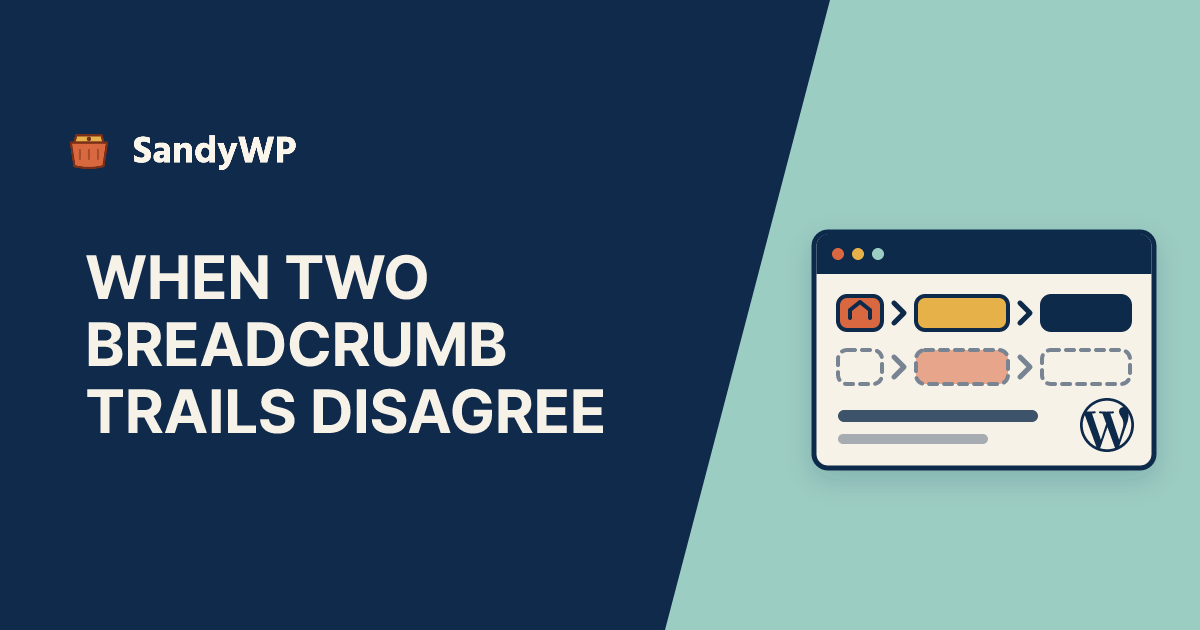
That gap matters for one reason the guides could not have covered. The core block outputs no structured data, and it chooses a post's category by a different rule from Yoast, so a site running both can show visitors one trail and hand Google another.
Everything below is checked against the WordPress 7.1.5 source and the Yoast SEO 28.9 source.
What are breadcrumbs in WordPress?
A breadcrumb trail is the row of links above a page title that shows where the page sits: Home / Guides / Staging / This post. Each link goes one level up.
WordPress builds that path from what it already knows. Pages use their parent pages, posts use a category, and archives use the term or date being viewed.
Does WordPress have breadcrumbs built in?
Yes, since 7.0. The block is core/breadcrumbs, it sits in the Theme category of the inserter, and it renders on the server, so the trail is always built from the page actually being viewed.
It is a block, not a theme feature. Twenty Twenty-Five 1.5 does not use it in any of its templates, so nothing appears until you add it.
How do I add breadcrumbs in a block theme?
- Go to Appearance, Editor, Templates.
- Open Single Posts.
- Insert the Breadcrumbs block above the Title block.
- Click Save. Repeat for Pages, and for archive templates if you want trails there.
The block's settings panel has five options:
- Show home breadcrumb: the leading
Homelink. On by default. - Show current breadcrumb: the current page as the last, unlinked item. On by default.
- Show on homepage: off by default, so the front page shows no trail at all.
- Prefer taxonomy terms: for hierarchical post types that also have taxonomies. It does nothing for ordinary posts.
- Separator:
/by default. It is drawn with CSS, not printed in the HTML.
The output is a <nav aria-label="Breadcrumbs"> around an ordered list, with aria-current="page" on the last item. That is the accessible pattern for a breadcrumb trail.
What trail does the core block build?
From render_block_core_breadcrumbs() in wp-includes/blocks/breadcrumbs.php:
| Page | Trail |
|---|---|
| A child page | Home / every ancestor page / the page |
| A post | Home / posts page, if you set one / category ancestors / category / the post |
| A category or tag archive | Home / parent terms / the term |
| A date archive | Home / year / month / day |
| Search results | Home / Search results for: "query" |
| A 404 | Home / Page not found |
| Page 2 and later | the same trail, then Page 2 |
The posts-page item only appears when Settings, Reading points the blog at a static page. Otherwise a post's trail goes straight from Home to the category.
Which category does the block show when a post has several?
The first one alphabetically, with its parent categories in front of it. The block calls get_the_terms(), which returns a post's terms ordered by name, and takes the first.
So a post filed in both Tutorials and Announcements gets Home / Announcements / Post, whatever you meant. If the post sits in Guides and its child WordPress, the trail is Home / Guides / Post, because Guides sorts first and the deeper category is ignored.
There is no primary-category field in core. Core does give you a filter, block_core_breadcrumbs_post_type_settings, that names the taxonomy and term to use:
add_filter( 'block_core_breadcrumbs_post_type_settings', function ( $settings, $post_type, $post_id ) {
    if ( 'post' === $post_type ) {
        $settings['taxonomy'] = 'category';
        $settings['term']     = 'tutorials'; // A category slug.
    }
    return $settings;
}, 10, 3 );
The term only applies when the post has more than one term in that taxonomy and one of them has that slug. Otherwise the block falls back to the alphabetical first.
Does the core Breadcrumbs block add schema?
No. It prints the <nav> and the list, and nothing else: no BreadcrumbList JSON-LD and no microdata.
There is no BreadcrumbList anywhere in WordPress 7.1.5 core.
That is fine for visitors. It means that on its own, the block gives Google no breadcrumb structured data.
How do Yoast breadcrumbs work?
Turn them on at Yoast SEO, Settings, Advanced, Breadcrumbs with the Enable breadcrumbs for your theme toggle. Then place them with the Yoast Breadcrumbs block, the [wpseo_breadcrumb] shortcode, or this in a classic theme template:
<?php
if ( function_exists( 'yoast_breadcrumb' ) ) {
    yoast_breadcrumb( '<p id="breadcrumbs">', '</p>' );
}
?>
Two details from the plugin's source matter more than the toggle.
The schema does not wait for the toggle. The BreadcrumbList piece in Yoast's schema graph is output on every page that is not a 404 or unknown type, whether or not you enabled visible breadcrumbs. Yoast's own developer docs say the same: it belongs "on all public pages which have a valid WebPage".
Posts get no category in that trail by default. Yoast's setting Breadcrumbs for post types defaults to no taxonomy, so a fresh install describes a post as Home > Post. Once you set Posts to Category, Yoast uses the post's primary category (the one you mark in the post sidebar), and if none is set, the deepest one.
Why do my visible breadcrumbs and my schema disagree?
Because two systems are each building a trail by their own rules. Put the core block in your template, keep Yoast active, and you can get all three of these on one site:
- The core block shows
Home / Announcements / Post, alphabetical first. - Yoast with default settings declares
Home > Postin the schema. - Yoast set to Category declares
Home > Tutorials > Post, the primary category.
Google's structured data policy says "Your structured data must be a true representation of the page content." A visible trail that names a different category from the markup is not that.
There are two clean fixes. Use one system for both, the Yoast Breadcrumbs block instead of the core one, or make the core block follow Yoast's primary category:
add_filter( 'block_core_breadcrumbs_post_type_settings', function ( $settings, $post_type, $post_id ) {
    $primary = (int) get_post_meta( $post_id, '_yoast_wpseo_primary_category', true );
    $term    = $primary ? get_term( $primary, 'category' ) : null;

    if ( $term && ! is_wp_error( $term ) ) {
        $settings['taxonomy'] = 'category';
        $settings['term']     = $term->slug;
    }
    return $settings;
}, 10, 3 );
Put it in a must-use plugin so a theme switch does not drop it, and set Yoast's Posts taxonomy to Category so both sides use the same field. One gap remains: with no primary category set, Yoast picks the deepest term and core picks the alphabetical first, so set a primary category on posts with more than one.
Can I add breadcrumbs without a plugin?
Yes. In a block theme, the core block is the no-plugin answer, and it beats the hand-written functions the ranking guides offer: Kinsta's prints every category with the_category(), and WP Engine's builds only the Home link.
A classic theme has no Site Editor, but it can still render the block. In a child theme's single.php or page.php, above the title:
<?php echo do_blocks( '<!-- wp:breadcrumbs /-->' ); ?>
render_block() takes the post ID from the global $post, which WordPress has set by the time a singular template runs, so the block has the context it needs. Check the styling afterwards, since a classic theme may style nav and ol its own way.
How do I change "Home" or remove an item?
The separator is a block setting. Everything else goes through block_core_breadcrumbs_items, which receives the whole trail as an array of label and url pairs just before it is rendered:
add_filter( 'block_core_breadcrumbs_items', function ( $items ) {
    if ( isset( $items[0]['url'] ) && home_url( '/' ) === $items[0]['url'] ) {
        $items[0]['label'] = 'Start';
    }
    return $items;
} );
The same filter can drop, insert or reorder items. Labels are escaped unless an item sets allow_html, so plain text is the safe default.
How do I check what a page actually outputs?
Look at the HTML, not the editor preview. The editor shows placeholder items such as Category when it has no real post in context.
# The visible trail from the core block
curl -s https://example.com/some-post/ | grep -o '<nav[^>]*wp-block-breadcrumbs.*</nav>'

# Whether any BreadcrumbList schema is on the page
curl -s https://example.com/some-post/ | grep -c 'BreadcrumbList'
Google's Rich Results Test shows the parsed trail if you want it laid out. Compare the category names in both.
The posts most likely to disagree are the ones with more than one category. WP-CLI lists them:
wp db query "SELECT tr.object_id, COUNT(*) AS cats
  FROM $(wp db prefix)term_relationships tr
  JOIN $(wp db prefix)term_taxonomy tt USING (term_taxonomy_id)
  WHERE tt.taxonomy = 'category'
  GROUP BY tr.object_id HAVING cats > 1"
Check a handful of those IDs and you know whether the site has the problem.
Should I test breadcrumbs on a copy first?
Adding the block to one template is low risk, and template revisions undo it. What is worth a copy is the question of what the trail will say across hundreds of real posts, with the categories, primary-category meta and SEO settings the site actually has.
The SandyWP Cloner copies a live site's database, themes, plugins and media into a disposable sandbox, and it only reads from production. Your categories and Yoast's _yoast_wpseo_primary_category meta come across with the database, so the trails on the copy are the trails production would show.
With SSH and WP-CLI you can run the query above, add the mu-plugin, and curl a sample of posts before and after. If you build themes, our theme developers page covers how we use disposable sites for that loop, and our header post covers the template-part side of editing a block theme.
If the trails match, make the change on production. If they do not, delete the sandbox and adjust the filter.