To duplicate a page in WordPress, either install a duplication plugin such as Yoast Duplicate Post and click Clone under the page in Pages, or open the page, choose Copy all blocks from the editor's Options menu, and paste into a new page. On a server with WP-CLI, wp post create --from-post=<ID> --post_status=draft makes a full copy in one command.
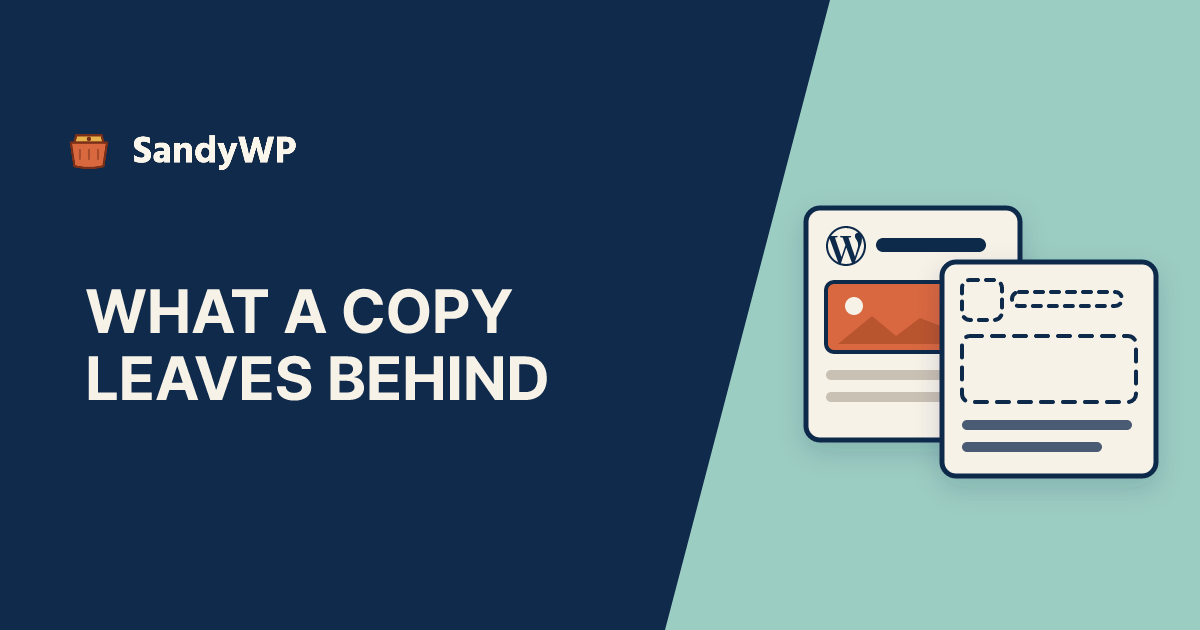
The three methods do not make the same copy. Copy all blocks moves only the content, a plugin moves what its settings allow, and WP-CLI moves almost everything, including the page's published status if you forget the flag.
Does WordPress have a built-in duplicate page option?
No, not in WordPress 7.1. There is no Duplicate link in Pages and no Duplicate item in the block editor's menus.
The editor code does contain a Duplicate action: it is in wp-includes/js/dist/editor.js in the 7.1.4 release.
But core switches it off for every post type except templates, and for templates only when an experimental template feature is enabled.
If you have seen a Duplicate link in a screenshot, it came from a plugin or from a host's own tooling, not from WordPress itself.
How do I duplicate a page in WordPress without a plugin?
Copy the blocks into a new page:
- Open the page you want to copy in the editor.
- Click the Options menu (the three dots, top right) and choose Copy all blocks.
- Go to Pages, Add New Page, click into the empty content area, and paste.
- Give it a title and save it as a draft.
That copies the block markup and nothing else. The new page has no featured image, no excerpt, no parent page, no menu order, no custom page template, and none of the custom fields that SEO plugins and page builders store in post meta.
So after pasting, set those again by hand in the editor sidebar. The template choice is the one people miss, because the copy still looks right in the editor and only renders differently on the front end.
How do I duplicate a page with WP-CLI?
Find the page's ID, then create the copy from it:
wp post list --post_type=page --fields=ID,post_title,post_name,post_status
wp post create --from-post=42 --post_title='About (copy)' --post_status=draft
--from-post is part of the wp post create command in WP-CLI's entity commands. We read its source on 2026-11-15 to see what it actually copies, because none of the guides that rank for this question mention it.
It takes every field of the source post except the ID, the GUID and the four date columns.
Then it copies all post meta, the categories and the tags. Anything you pass on the command line overrides the copied value.
That has three consequences worth knowing before you run it:
- The copy keeps the source's status. Run it on a published page without
--post_status=draftand you have just published a second copy of that page. Always pass the flag. - The copy keeps the source's author. Pass
--post_author=<user ID>if the copy should belong to someone else. - The copy keeps the source's slug. A draft is allowed to share a slug, so the draft copy is also called
about. When you publish it, WordPress makes the slug unique and it becomesabout-2.
Two smaller gaps. Custom taxonomy terms are not copied, only categories and tags.
And a meta key that holds several values on the source arrives with just one of them, because the command collapses each key to a single value before writing it.
Because every meta key comes across, the page template (_wp_page_template) and the featured image (_thumbnail_id) come with it. So does every hidden underscore key a plugin uses for its own bookkeeping, which is usually what you want, and occasionally a plugin's cached data you did not.
If you do not have a shell on your host, a sandbox with SSH and WP-CLI is the quickest place to try the command against a copy of the site first.
Which duplicate page plugin should I use?
Any of the established ones will do the job. The differences are in what they copy and what extra workflows they add.
Yoast Duplicate Post adds Clone and New Draft links under each page in the list, plus Rewrite & Republish, which lets you edit a copy and then merge it back over the original. Its settings decide which elements are copied, such as the title, excerpt, featured image, taxonomies and meta fields, and which meta keys to skip.
That last setting is the one to look at. If a page builder or SEO plugin stores something per page that should not be duplicated, such as a canonical URL pointing at the original, add its meta key to the skip list.
The plugin route is the right one if non-technical editors duplicate pages often. For a one-off copy, the block copy or the WP-CLI command avoids adding a plugin to the site.
What gets copied, method by method
| Copy all blocks | Plugin (Yoast Duplicate Post) | wp post create --from-post | |
|---|---|---|---|
| Content | Yes | Yes | Yes |
| Title | No, you type one | Yes, with optional prefix or suffix | Yes, unless you pass a new one |
| Page template | No | If enabled in settings | Yes |
| Featured image | No | If enabled in settings | Yes |
| Custom fields and SEO meta | No | Yes, minus keys you exclude | Yes, all of them |
| Categories and tags | No | If enabled in settings | Yes |
| Custom taxonomy terms | No | If enabled in settings | No |
| Status | Whatever you save | Set by the plugin's settings | Same as source unless you pass one |
Why does my duplicated page look different from the original?
Usually because the original's design comes from a template matched by its slug, and the copy has a different slug.
WordPress picks a page's template from a list: the template chosen in the sidebar, then page-{slug}, then page-{ID}, then the generic page template.
We checked this in get_page_template() in 7.1.4, and block themes use the same list, so a file called page-about.html in a theme only ever applies to the page whose slug is about.
That produces a confusing sequence with the WP-CLI method.
The draft copy shares the slug about, so its preview uses page-about.html and looks identical. You publish it, the slug becomes about-2, and the published copy falls back to the plain page template.
The fix is to pick the template explicitly in the copy's sidebar, under Template, or to give the theme a named template rather than relying on a slug match. If you build themes, the theme developer workflow is worth a look, because slug-matched templates are easy to forget about until a copy exposes them.
Why did editing the copy change the original page?
Because the page contains a synced pattern, and copying a page copies the pattern's reference, not its content.
A synced pattern is stored once and inserted by reference, as <!-- wp:block {"ref":123} /-->. Every method above copies that reference.
Edit the pattern inside the copy and you are editing the one stored pattern, which also changes the original page and every other page that uses it.
If the copy needs its own version, select the pattern in the copy, open the block toolbar's options, and choose Detach. WordPress asks "Detach pattern?" and then turns the pattern into ordinary blocks that only this page owns.
Will a duplicate page hurt SEO?
A draft copy will not: drafts are not public, so nothing can index them. A published copy with the same content is a different matter.
Two published pages with near-identical text compete with each other, and the search engine picks one to show.
If the copy is a starting point for a new page, rewrite it before publishing. If the original is being replaced, redirect the old URL to the new one rather than leaving both live.
Also check what the copy inherited. With the plugin or the WP-CLI method, an SEO plugin's per-page canonical URL, noindex flag or custom title comes across with the rest of the meta, so the new page may be telling search engines that it is the old one.
Should I duplicate a page to test changes on a live site?
Only for content. A draft copy is a fine place to rewrite a page, and Rewrite & Republish exists for exactly that job.
It is the wrong tool for testing anything that runs site-wide. A draft copy still loads the same theme, the same plugins and the same database as the live page, so testing a plugin update, a theme switch or a new template on the copy is testing it on production.
For those, copy the whole site instead.
The SandyWP Cloner reads the live site and builds a disposable copy of it, database and files, without writing anything back to production.
Duplicating a site is a different job from duplicating a page, with its own list of things to strip out.
How do I undo a page duplicate?
Move the copy to the trash. Nothing about creating it changed the original.
The one exception is the WP-CLI method run without --post_status=draft on a published page. Trash the copy straight away, and check whether a sitemap, a newsletter plugin or a social auto-poster picked it up in the meantime.
If you were hoping a revision would let you roll back the original instead, note that revisions store only the title, content and excerpt. They will not restore a template or a custom field that a copy-and-replace workflow overwrote.