sandywp / plugins / wsp-mcp-ai-agents-connector

WSP MCP
Free MCP Plugin for WordPress: Connect Claude, ChatGPT & AI Agents
Free MCP plugin for WordPress. Connect Claude, ChatGPT, Cursor or any AI agent and manage your site by chat. 200+ tools, no coding needed.
Ready in seconds.
v3.0.0 3,000+ installs WP 6.9+ PHP 7.4+
About this plugin
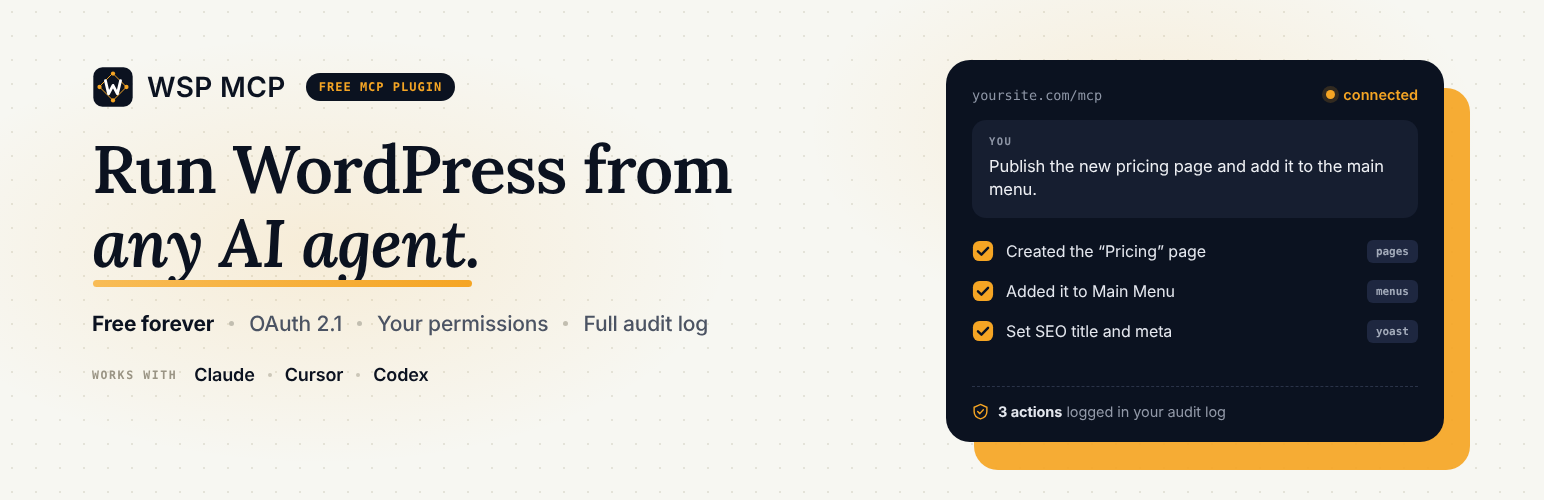
WSP MCP is a free MCP plugin for WordPress. It lets AI assistants like Claude, ChatGPT, Cursor, Codex and Antigravity work directly with your website. Ask in plain English and the AI does the work:
- “Write a blog post about our summer sale and save it as a draft.”
- “Find every page missing a meta description and suggest one.”
- “Show me this week’s WooCommerce orders and mark the shipped ones as completed.”
- “Add a Contact link to the main menu.”
Everything is built in. You don’t need another plugin, an account, or any coding. Install it, copy your connection details, paste them into your AI app, and start chatting.
You stay in control: every tool has its own on/off switch, anything that changes your site is off until you turn it on, and the AI can only do what its WordPress user is allowed to do.
Built and maintained by WebSensePro. Guides and help: wspmcp.com.
More free tools from WebSensePro
- Free Local SEO Audit: check how your business shows up in local search, completely free.
- SEO Schema Markup Generator: create structured data (schema markup) for your pages, completely free.
Watch: set it up in a few minutes
What is MCP?
MCP (Model Context Protocol) is the standard way AI assistants connect to other apps. Think of it as a plug: once your WordPress site has an MCP plugin, any AI app that supports MCP can read and update your site, with your permission.
Why WSP MCP?
- 100% free. Every feature and every tool, no paid version.
- Easy to connect. A Connection page with ready-made setup for Claude, Cursor, Codex, Antigravity, OpenClaw and OpenCode, with copy and download buttons. Cursor users can connect in one click.
- Safe by default. Only read-only tools are on when you install. You pick what else the AI can do.
- Teach the AI your site. Write an AGENTS.md and CHANGELOG.md once; connected AIs read them first instead of exploring your whole site.
- See everything the AI did. The Audit Log records every action: what, when, and by whom.
- Usage dashboard. See how often the AI is used, which tools are most popular, and how fast they respond.
- Your data stays on your site. Logs and stats are stored in your own database, never sent anywhere.
What your AI can do (200+ tools)
WordPress basics
- Posts and pages: read, write, edit, delete
- Categories and tags
- Comments: read, approve, delete
- Media library: browse, upload images, edit titles and alt text
- Menus: create menus, add or reorder links, assign menu locations
- Users: list, create, edit
- Site settings: title, tagline, permalinks
- Plugins and themes: list, activate, switch
- Custom post types
- Site-wide search
Works with your favorite plugins (tools appear automatically when the plugin is installed)
- WooCommerce: products, variations, orders, refunds, coupons, customers, sales reports, low-stock alerts, reviews
- Yoast SEO and Rank Math: SEO titles, meta descriptions, focus keyphrases
- Elementor: read and edit page layouts, widgets, global colors and page settings
- Ultimate Addons for Elementor: widgets, header/footer templates, layouts
- Advanced Custom Fields: field groups, fields, values, post types, options pages
- Gravity Forms, Contact Form 7 and WPForms: forms, entries, notifications
For safety, the AI can’t add raw code (HTML, JavaScript or CSS) to your pages, and sensitive store tools like refunds and customer data need a shop manager or administrator account.
Questions
- Is this really a free MCP plugin for WordPress?
Yes. WSP MCP is completely free and open source (GPL). Every tool, the Audit Log and the dashboard are included. No account, subscription or outside service is needed.
- Which AI apps work with it?
Claude (desktop, web and mobile), ChatGPT, Cursor, Codex, Google Antigravity, OpenClaw, OpenCode, and any other app that supports MCP.
- Do I need any other plugin, like the WordPress MCP Adapter?
No. Everything is built in.
- Is it safe?
Tools that change your site are off until you turn them on, and the AI can only do what its WordPress user is allowed to do. You can see every action in MCP > Audit Log, and you can create a new connection key at any time to cut off old ones.
- How does the AI log in to my site?
The Connection page gives you a private key to paste into your AI app. Advanced users can use a WordPress Application Password instead.
- I turned on new tools but my AI doesn’t see them.
AI apps load the tool list when they connect. Fully quit and reopen your AI app (not just a new chat) and the new tools will appear.
- How do I connect WordPress with OpenClaw?
Watch the step-by-step video tutorial:
- How do I connect WordPress with Google Antigravity 2.0?
Watch the step-by-step video tutorial:
sandywp / also on the shelf
Try another plugin

Elementor Agent Ready Website Builder
4.5 · 10M+ installs
The Elementor Website Builder has it all: drag and drop page builder, Atomic Editor, pixel perfect design, global and reusable…

Jetpack – AI Agents & MCP, Security, Backup & Analytics
3.7 · 3M+ installs
Connect ChatGPT, Claude, or another AI agent to your site. Plus backup, malware scan, firewall, stats, CDN, and SEO tools in one…

All in One SEO – AI SEO Plugin to Boost SEO Rankings & Traffic (Schema,…
4.7 · 2M+ installs
AIOSEO is the WordPress SEO plugin. Boost SEO rankings with AI SEO tools, schema, meta descriptions, XML sitemaps & rank…
Spin up a real WordPress site in seconds.
Test plugins, build a demo, hand a client a link — then squash it and start again. No local setup, no Docker.