sandywp / plugins / mobile-address-bar-color-changer

Mobile address bar color changer
Change the color of the address bar on chome on mobile devices. For now only chrome supports the meta tags.
Ready in seconds.
v1.0.0 70+ installs WP 3.0.1+

What you get inside
3 screens-
Screenshot of the Settings page where you choose the color
-
A blue status and address bar on mobile example
-
A green status and address bar on mobile example
About this plugin
After you install the plugin click the Settings link or go to Settings->Mobile bar color changer, click the select color field and either use the color picker or type the hex code for the color you want your bar to be.
Questions
- Installation Instructions
- Upload folder to \’/wp-content/plugins/\’ directory, or install the plugin through the WordPress plugins screen directly.
- Activate the plugin through the \’Plugins\’ screen in WordPress
- Use the Settings->Mobile address bar color changer, screen to configure the plugin
sandywp / also on the shelf
Try another plugin

Browser Theme Color – Address Bar Color & Dark Mode
5.0 · 2K+ installs
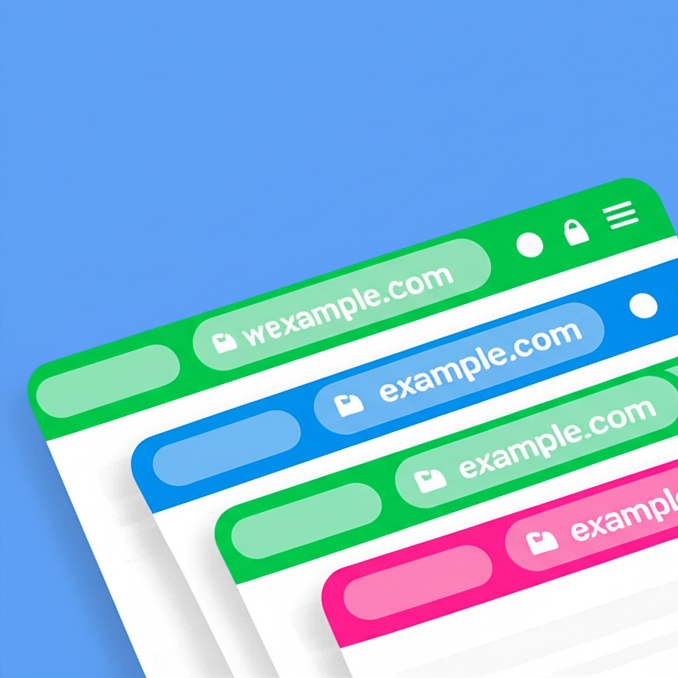
Color the mobile browser address bar with your brand color, with a separate color for dark mode.
4.5 · 300+ installs
Customize your mobile browsing experience by setting theme colors for the address bar of your pages on your WordPress site
Browser Address Bar Color Changer
100+ installs
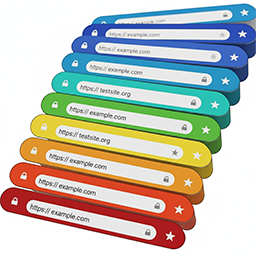
A simple and secure plugin to change the browser address bar color on mobile devices using the theme-color meta tag.
Spin up a real WordPress site in seconds.
Test plugins, build a demo, hand a client a link — then squash it and start again. No local setup, no Docker.