sandywp / plugins / menu-image

Menu Image, Icons made easy
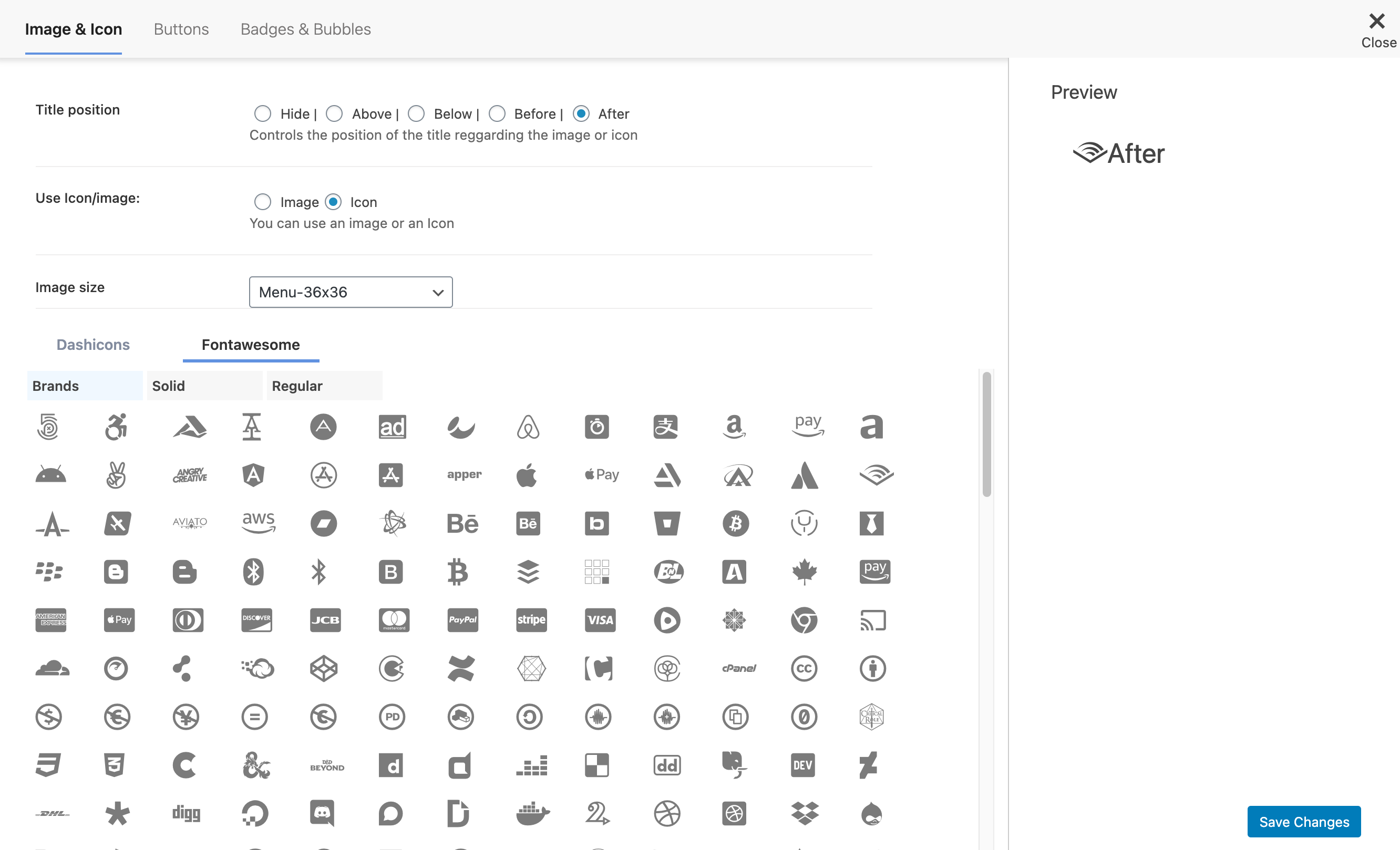
Adds an image or icon in the menu items. You can choose the position of the image (after, before, above, below) or even hide the menu item title.
Ready in seconds.
v3.13 100,000+ installs WP 4.4.0+
What you get inside
3 screens-
Add FontAwesome Icons to menu item
-
Add DashIcons Icons to menu item
-
Add images to menu item
About this plugin
Easily add an image or icon in a menu item. Creating a better website menu.
Control the position of the image or icon and also it’s size.
With Menu Image plugin you can do more, check some of the features:
- [New] FontAwesome Icons
- [New] DashIcons Icons
- Hide Title and show only image or icon.
- Add Image / Icon on the Left of the menu item title.
- Add Image / Icon on the Right of the menu item title.
- Add Image / Icon on the Above of the menu item title.
- Add Image / Icon on the Below of the menu item title.
- Switch images / icons on mouse over the menu item.
- [PREMIUM] Convert menu items into Call to action buttons.
- [PREMIUM] Add count bubble to menu items (Cart total, category total, custom function) menu items.
- [PREMIUM] Notification badges on the menu items (New, Sale, Hiring, etc).
- [PREMIUM] Color customization of the buttons, badges and bubbles.
- [PREMIUM] Disable Menu Image in Mobile devices
Links
Related Plugins
-
Mobile Menu: WP Mobile Menu is the best WordPress responsive mobile menu. Provide to your mobile visitor an easy access to your site content using any device smartphone/tablet/desktop.
-
Pay With Stripe: Easily Sell your products with Stripe on your WordPress website without any other complex e-commerce solution.
What people is saying!
Easy to use and good author support
This plugin is a good solution to easily include an image in a menu. Excellent support from plugin author!@dwoolworth824
Best plugin for adding a logo to your navigation
I’d definitely recommend this plugin if you need to add a logo to your navigation in WordPress. The support provided is so 5 stars!@manmade1
Questions
- How to install Menu Image?
Check this article in the following link
- How to enable Menu Image?
Check this article in the following link
- How to add Icons to Menu Items?
Check this article in the following link
- How to add custom CSS to Menu Image?
Check this article in the following link
- How to change menu image sizes?
Check this article in the following link
- I have a doubt and need help. How to contact the support?
Check this article in the following link
- How to purge correctly the browser cache?
Check this article in the following link
- How to dequeue menu-image.css?
Check this article in the following link
sandywp / also on the shelf
Try another plugin

Skyboot Custom Icons for Elementor – Elementor Icons library – 14300+ Icons
5.0 · 200K+ installs
Skyboot Custom Icons for Elementor expands your Elementor icons library with custom icons, perfect for website owners who use the…

4.5 · 60K+ installs
Font Awesome 5 Free icons for WordPress with shortcodes, HTML, TinyMCE, automatic metadata updates, backwards compatibility, and…

4.6 · 10K+ installs
Easily display more than 100 social icons inside your WordPress widget.
Spin up a real WordPress site in seconds.
Test plugins, build a demo, hand a client a link — then squash it and start again. No local setup, no Docker.