sandywp / plugins / kt-tinymce-color-grid
Central Color Palette
Manage a site-wide central color palette for a uniform look'n'feel! Supports the new block editor, Theme Customizer and many themes and plug …
Ready in seconds.
v1.15.5 10,000+ installs WP 5.2+ PHP 5.3+
What you get inside
4 screens-
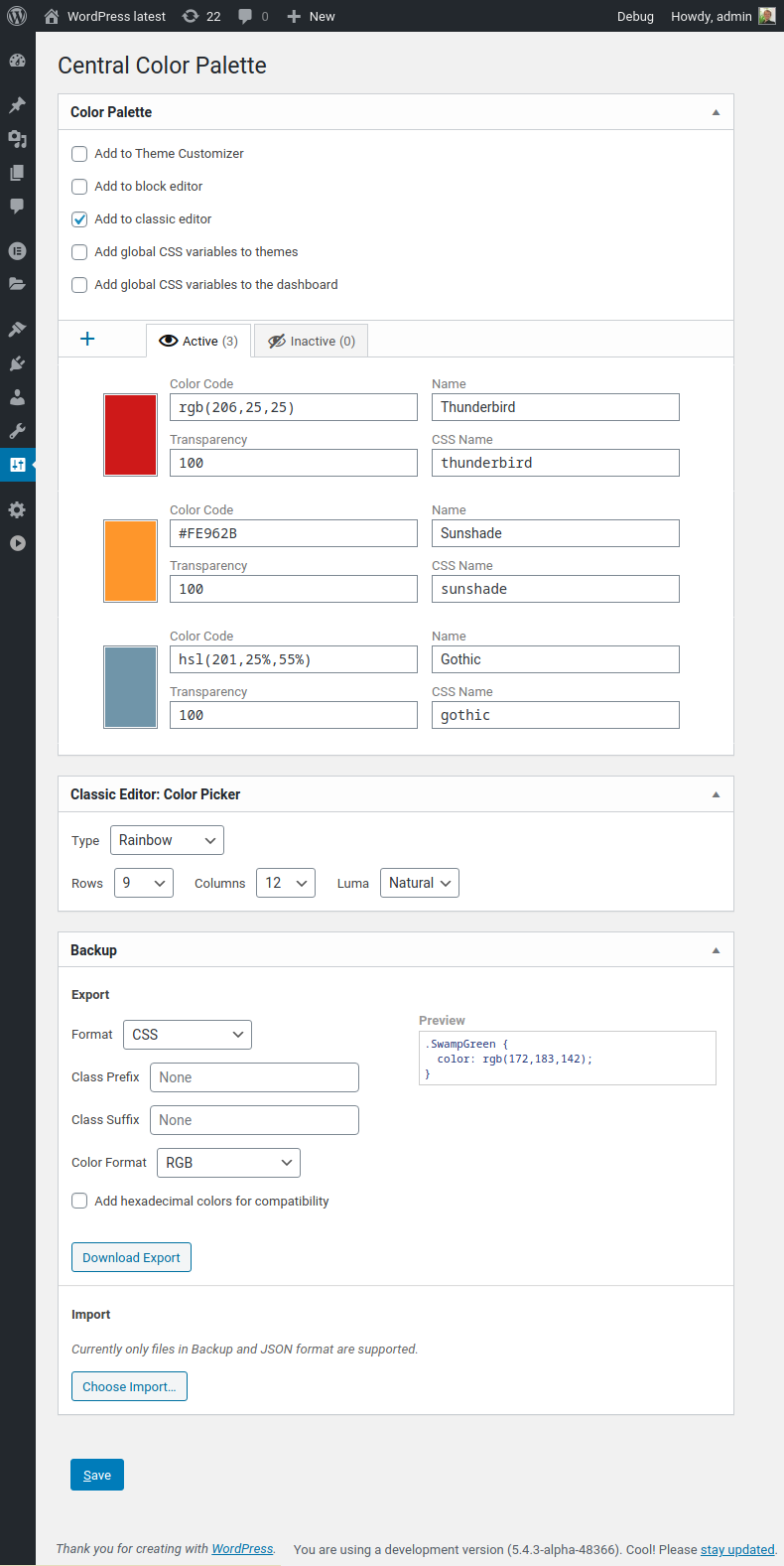
The Color Palette Editor
-
The new block editor is supported
-
Custom palette for the Theme Customizer
-
Legacy support for the classic editor
About this plugin
This plugin allows you to manage a site-wide central color palette for an uniform look’n’feel. The palette of the new block editor and the Theme Customizer are supported, as well as the classic editor. You can define this central color palette through the settings menu. All plugins that make use of WordPress’ color picker can benefit from this plugin as well.
This plugin supports a multi-site setup of WordPress.
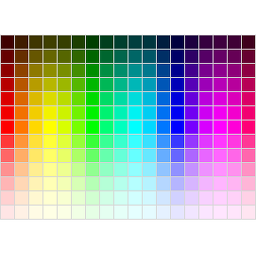
Also this plugin replaces the color picker for choosing a text or background color found inside the classic editor with a bigger and customizable color grid.
For an easy migration between WordPress installations you can export and import your palette settings and colors.
Theme/Plugin Support
Central Color Palette supports these plugins and themes:
- Advanced Custom Fields
- Astra Theme
- Beaver Builder
- Elementor 2
- FontPress
- GeneratePress Premium
- Hestia Theme
- Neve Theme
- Mega Max Menu
- OceanWP
- Oxygen
- Page Builder Framework
Please not that Elementor 3 is currently not supported due to its new color management.
API Documentation
Central Color Palette offers some methods, so have a look at the API Documentation.
Privacy Policy
This plugin does not collect or use any private data.
Questions
- Questions? Concerns? Feature Request?
Please contact me and we’ll see what we can do
sandywp / also on the shelf
Try another plugin

5.0 · 6K+ installs
A RGBA-Color-Picker field for Advanced Custom Fields

The Events Calendar: Category Colors
5.0 · 4K+ installs
Add event category background colors to The Events Calendar events.

Styleguide – Custom Fonts and Colors
5.0 · 2K+ installs
Styleguide allows you to customize fonts and colors in WordPress themes through the Customizer - no need to touch any code!
Spin up a real WordPress site in seconds.
Test plugins, build a demo, hand a client a link — then squash it and start again. No local setup, no Docker.