sandywp / plugins / favicon-by-realfavicongenerator

Favicon by RealFaviconGenerator
Create and install your favicon for all platforms: PC/Mac, iPhone/iPad, Android devices, Windows 8 tablets...
Ready in seconds.
v1.3.50 200,000+ installs WP 3.5+
What you get inside
5 screens-
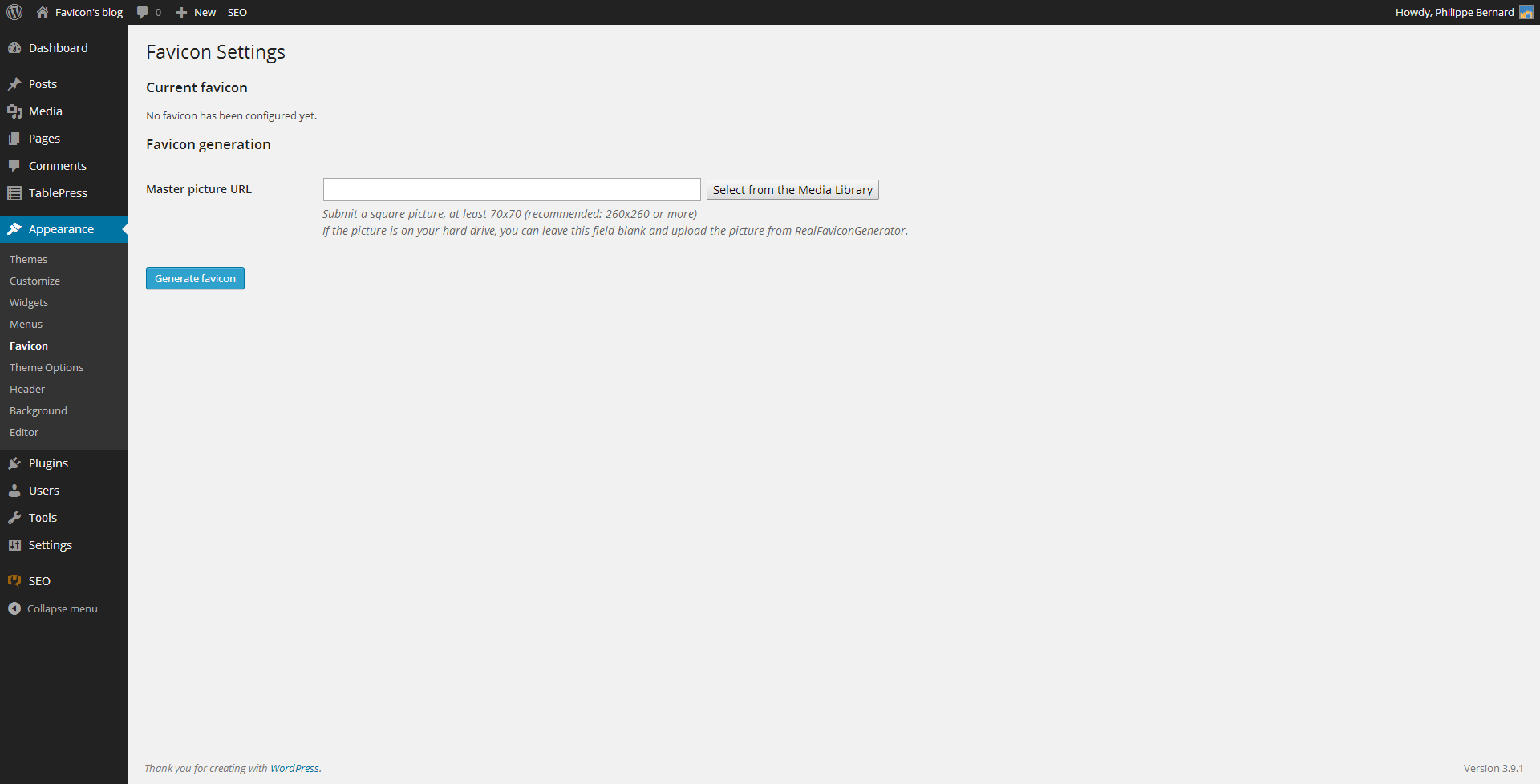
Initial favicon setup screen. You are invited to setup your favicon.
-
Select a master picture from the Media Library (optional)
-
Once you hit the Generate Favicon button, you are redirected to RealFaviconGenerator, where you can design your favicon: adding a background to your iOS…
-
When you are done with the favicon editor, you are redirected to the WordPress Dashboard. The favicon is installed automatically. This screen presents you a…
-
You can also trigger RealFaviconGenerator's favicon checker, to make sure your favicon is correctly setup.
About this plugin
Generate and setup a favicon for desktop browsers, iPhone/iPad, Android devices, Windows 8 tablets and more. In a matter of seconds, design an icon that looks great on all major platforms.
Favicon is not just a single favicon.ico file dropped in the middle of your site. Nowadays, with so many different platforms and devices, you need a bunch of pictures to get the job done. With RealFaviconGenerator, generate all the icons you need for desktop browsers, iPhone/iPad, Android devices, Windows 8 devices, and more.
iOS devices use a high resolution Apple touch icon to illustrate bookmarks and home screen shortcuts. A first generation iPhone needs a 57×57 picture, whereas a brand new iPad with Retina screen looks for a 152×152 picture. Android Chrome also use these pictures if it finds them. Windows 8 takes another route with a dedicated set of icons and HTML declarations.
Favicon is not only a matter of pictures with different resolutions. The various platforms coms with different UI guidelines. For example, the classic desktop favicons often use transparency. But iOS requires opaque icons. And Windows 8 has its own recommendations.
Save hours of research and image edition with RealFaviconGenerator and its companion plugin. In a matter of seconds, you setup a favicon compatible with:
- Windows (IE, Chrome, Firefox, Opera, Safari)
- Mac (Safari, Chrome, Firefox, Opera, Camino)
- iOS (Safari, Chrome, Coast)
- Android (Chrome, Firefox)
- Surface (IE)
- And more
We take compatibility very seriously. See http://realfavicongenerator.net/favicon_compatibility for the full list.
This plugin relies on RealFaviconGenerator when you create your favicon. Browse its terms of service and privacy policy for additional information.
Localization
- English (
en_EN) by Philippe Bernard - French (
fr_FR) by Philippe Bernard - Swedish (
sv_SE) by Linus Wileryd - Brazilian Portuguese (
pt_BR) by Marcelo Volgarini, Criação de Sites - Dutch (
nl_NL) by Axel Vanderhaeghen - Danish (
da_DK) by Alexander Leo-Hansen - Czech (
cs_CZ) by an anonymous translator - Polish (
pl_PL) by Maciej Gryniuk - Russian (
ru_RU) by Natasha Diatko, UStarCash - Indonesian (
id_ID) by Jordan Silaen
sandywp / also on the shelf
Try another plugin

5.0 · 2K+ installs
Multicons is a multi-favicon code generator which automatically inserts the necessary meta tags for favicons.
-
Generate a complete favicon set for every browser and device from one image. Generated on your own site, no external service.

Spin up a real WordPress site in seconds.
Test plugins, build a demo, hand a client a link — then squash it and start again. No local setup, no Docker.