sandywp / plugins / debug-bar-actions-and-filters-addon
Debug Bar Actions and Filters Addon
Displays all the hooks( Actions and Filters ) for the current request in Debug Bar panel.
Ready in seconds.
v1.5.5 400+ installs WP 3.3+ PHP 5.2.4+

What you get inside
2 screens-
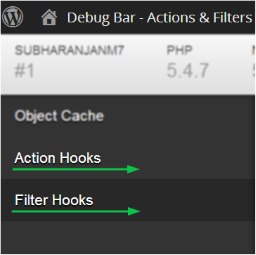
Debug Bar displaying Actions
-
Debug Bar displaying Filters
About this plugin
This plugin adds two more tabs in the Debug Bar to display hooks(Actions and Filters) attached to the current request. Actions tab displays the actions hooked to current request. Filters tab displays the filter tags along with the functions attached to it with respective priority.
Important
This plugin requires the Debug Bar plugin to be installed and activated.
Also note that this plugin should be used solely for debugging and/or in a development environment and is not intended for use on a production site.
If you like this plugin, please rate and/or review it. If you have ideas on how to make the plugin even better or if you have found any bugs, please report these in the Support Forum or in the GitHub repository.
Questions
- Can it be used on live site ?
This plugin is only meant to be used for development purposes, but shouldn’t cause any issues if run on a production site.
sandywp / also on the shelf
Try another plugin

5.0 · 100+ installs
Supercharge the WordPress admin panel with additional bulk actions to manage your content
4.8 · 100+ installs
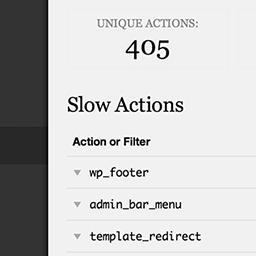
Easily find out which actions and filters are the slowest during a page load.

5.0 · 60+ installs
Optimize WordPress admin navigation with a modal window to search for and navigate directly to WordPress admin pages.
Spin up a real WordPress site in seconds.
Test plugins, build a demo, hand a client a link — then squash it and start again. No local setup, no Docker.