A WordPress staging plugin copies your site. It does not copy the environment your site runs on, because it cannot: it is PHP code running inside WordPress, on the same server, with the same PHP binary and usually the same database server.
That line decides which of your tests are worth anything. Everything inside the WordPress install is copied faithfully. Everything under it is shared, and a test that depends on it will pass on staging for reasons that have nothing to do with your change.
Every guide that ranks for this phrase is a list of six plugins with a feature table. None of them says where the boundary is, so this post does that instead.
What a staging plugin actually builds
Take WP Staging, the most-installed of them. Its own documentation is unusually clear about the mechanics.
Files are cloned into a subdirectory of the same document root, so the copy lives at a URL like https://example.com/development rather than on its own hostname. Tables are cloned into the same database, with a prefix like wpstg1_ in front of them (WP Staging docs, read 2026-09-03).
The prefix does isolate the tables. WordPress on the production side loads wpdb with the production prefix and never sees the staging rows, and vice versa.
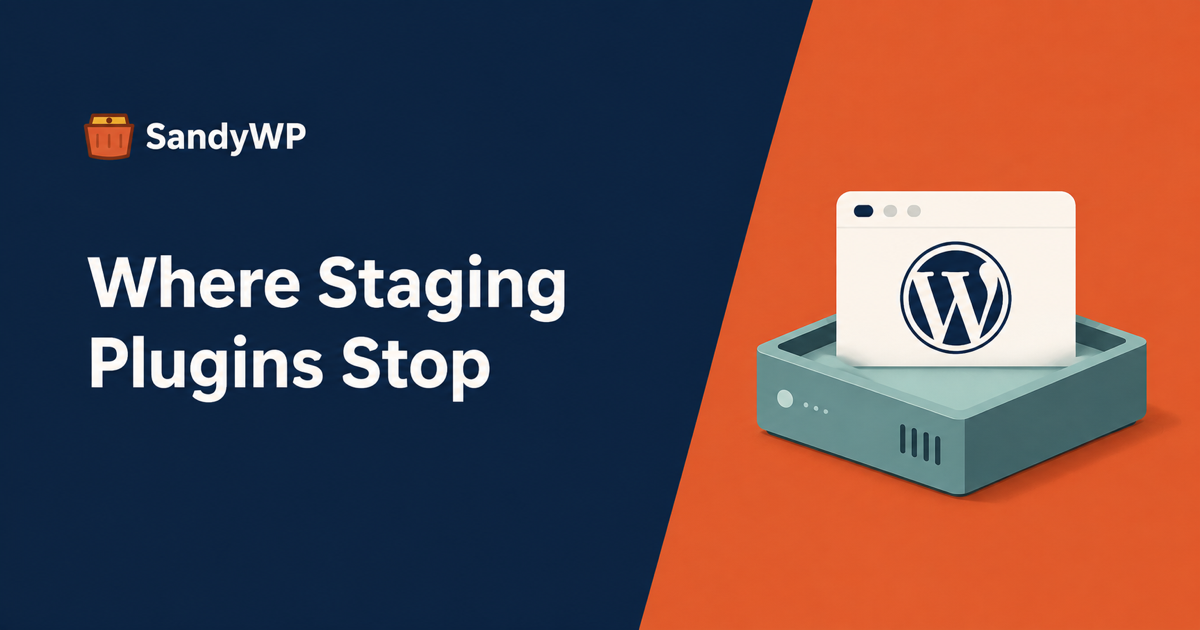
But table isolation is not server isolation. One document root, one PHP-FPM pool, one MySQL server, one disk, one cron daemon, one mail path. The copy is a second WordPress. It is not a second environment.
That is not a criticism of the plugin. It is the only thing a plugin can do from inside PHP, and for a large class of work it is exactly right.
The tests it runs well
If what you are changing lives inside wp-content or in the database, a staging plugin is the correct tool and you should use it.
Plugin and theme updates. The new code runs against your real content, your real options, and your real plugin set. That combination is the thing that breaks, and the copy reproduces it.
Content and configuration changes. Rebuilding a page template, reworking a menu, changing a WooCommerce setting. All of it is rows and files, all of it copies.
Database migrations at the WordPress layer. A plugin's upgrade routine reading your actual data volume, rather than a clean install's twelve posts.
Anything you need to push back afterwards. This is the real argument for a plugin over any other method, and it is worth being precise about the cost: in WP Staging, push-to-production is a Pro feature, and the free version clones only in one direction (plugin listing on WordPress.org, read 2026-09-03). Multisite cloning is also Pro-only. If the deploy-back path is why you chose a plugin, check you are choosing the tier that has it.
The tests it cannot run, by construction
These are not bugs, and no plugin in the list fixes them. They follow from running inside the site you are copying.
The PHP version
You cannot test a PHP upgrade on a staging site that shares your production PHP process. The copy runs 8.1 because the server runs 8.1.
This matters because "we are moving to a newer PHP" is one of the most common reasons anyone wants a staging site at all. It is also the change most likely to produce a fatal error on a page nobody looks at.
The same applies to extensions. A missing intl or a different imagick build is a property of the server, and the copy inherits whatever is there.
Some paid staging services get around this by building the copy off your server: BlogVault and UpdraftClone both let you pick a PHP version, because the site is running on their infrastructure rather than yours. If PHP parity is the test, that is the category you need, not a same-server clone.
The database server
Same MySQL or MariaDB version, same configuration, same sql_mode. If the reason for the test is a database upgrade, the copy cannot answer it.
It is also the same server under load. A staging site is isolated from production in its rows, not in its resource use. A migration that rewrites two million rows, or a plugin that runs an unindexed query in a loop, competes with your live site for the same connections and the same IO.
That is the failure mode people do not expect: the safe copy taking the live site down with it.
Web server configuration
Rewrite rules, headers, redirects, upload limits, and anything else set outside PHP belong to the server, and in a subdirectory clone they are often inherited from the parent site's rules rather than the copy's own.
WP Staging disables permalinks on the staging site by default for this reason, and says so (docs, read 2026-09-03). If you are testing a redirect change or a rewrite rule, you are testing it against the wrong configuration.
Anything shared at the object-cache layer
If production runs Redis or Memcached, the copy usually points at the same instance, because it inherits the same wp-config.php constants. Two WordPress installs writing to one cache with overlapping key prefixes is a class of bug that only appears once you have a staging site.
Email and cron
The copy has your SMTP settings and your scheduled events. Left alone, it will email real customers and fire the whole overdue WP-Cron backlog the first time somebody loads a page on it.
This one is not specific to plugins, and we covered it in detail in how to check a staging site is really a copy. Mentioning it here because a subdirectory clone made in thirty seconds is the version most likely to be left alone.
How to decide which you need
The question is not "which staging plugin is best". It is one level up.
Ask what the variable is. If the thing you are changing is inside the WordPress install (a plugin, a theme, content, an option), a staging plugin copies everything the change touches, and it is the fastest route with the shortest path back to live.
If the variable is under the install (PHP, MySQL, extensions, server config, memory), a copy made from inside that environment cannot vary it. You need a second environment, not a second WordPress.
If you need more than one at once, a staging plugin is the wrong shape. One clone per site is the model. Testing a plugin against PHP 7.4 and 8.4 side by side means two environments.
Where a disposable install fits
This is where we come in, and the honest framing is that it solves the second half of that list and not the first.
SandyWP makes a copy of a live site on separate infrastructure, so the environment is a variable rather than an inheritance. The Cloner plugin reads production and never writes to it. Restore it into a sandbox and you have the site's data on a stack you chose.
From there the things a same-server clone cannot do become ordinary. PHP 8.5 down to 7.4 is a selector, and switching restarts the sandbox for a few seconds while leaving files and database unchanged (PHP docs). wp_mail() is intercepted before it leaves and never reaches a real inbox, which removes the "did the copy just email 4,000 customers" question entirely (Email Log). SSH and SFTP give you WP-CLI and a real shell inside the container, and Debug mode writes debug.log where you can read it.
If you need the same fixture repeatedly rather than one clone, Templates freeze a configured site and launch fresh copies from it, and the CLI drives the whole thing from a script.
The honest tradeoff, stated plainly: there is no push-to-production. A disposable copy is for finding out what happens, not for deploying what you decided. If your workflow is edit-on-staging-then-publish, a staging plugin with the Pro push path is the better tool and we are not pretending otherwise. Many teams end up with both, and agencies in particular use staging for content work and disposable copies for upgrade testing.
The short version
A staging plugin gives you a second WordPress on one environment. That is enough for any test whose variable is inside the install, which is most of them.
It is not enough for any test whose variable is the environment, and no feature table in a plugin roundup will tell you which of your tests those are.
Check which side of that line your next change falls on before you pick the tool.