Pick subdirectories unless something in your stack needs per-site hostnames. Subdomains cost you a wildcard DNS record and a wildcard TLS certificate, and subdirectories cost you a namespace you now share with every subsite you will ever create.
That second cost is the one the ranking guides skip. They compare DNS setup, SEO and hosting compatibility, then stop. This post covers what changes inside WordPress after the decision, verified by reading core source on 2026-09-15.
If you have not run the setup yet, the decision is sometimes not yours: core removes one of the two options under conditions worth knowing first. That is covered in how to configure WordPress multisite, and this post assumes you already have both options on the screen.
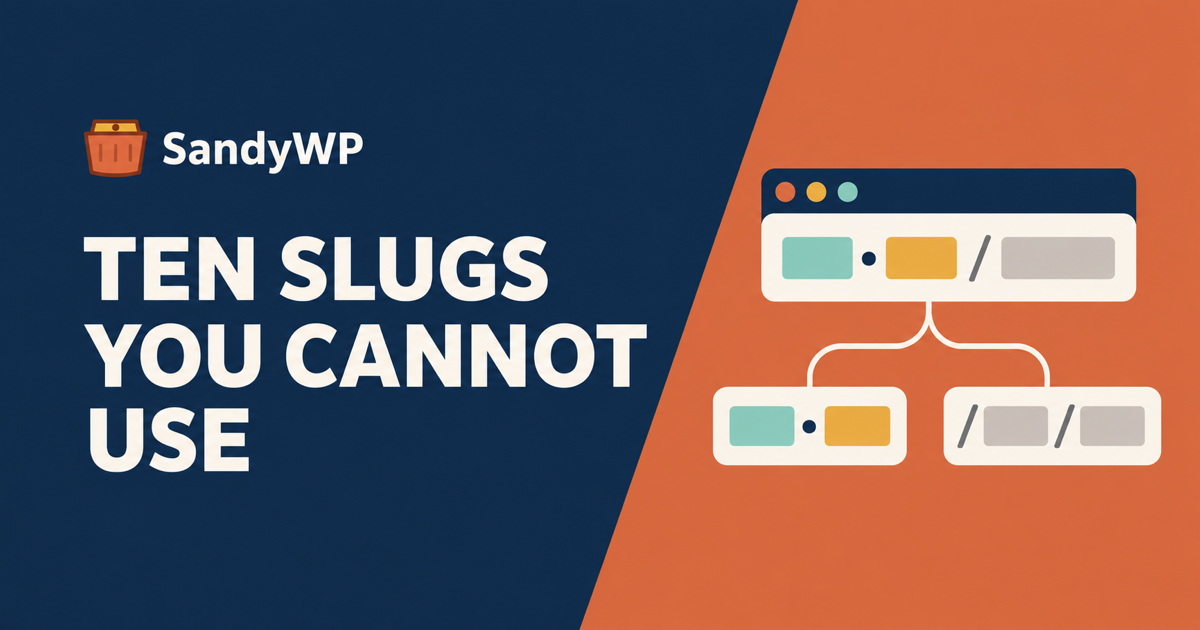
Subdirectory networks reserve ten slugs, and subdomain networks reserve none
On a subdirectory network, example.com/shop can be a subsite or a page on the main site. It cannot be both, so core keeps a blocklist.
get_subdirectory_reserved_names() in wp-includes/ms-functions.php returns exactly ten names:
page, comments, blog, files, feed,
wp-admin, wp-content, wp-includes, wp-json, embed
Those are merged into the illegal-names list in wpmu_validate_blog_signup(), but only inside an if ( ! is_subdomain_install() ) branch. A subdomain network never applies them, because shop.example.com/feed and example.com/feed do not collide.
The same function carries a second subdirectory-only guard, and this one is a live query against your content:
// Do not allow users to create a site that conflicts with a page on the main blog.
if ( ! is_subdomain_install() && $wpdb->get_var( ... "WHERE post_type = 'page' AND post_name = %s", $blogname ) ) {
	$errors->add( 'blogname', __( 'Sorry, you may not use that site name.' ) );
}
So on a subdirectory network your existing top-level pages are permanently unavailable as subsite slugs. If the main site has pages called about, pricing and contact, those three names are gone for the life of the network.
That is the real asymmetry. Subdomains give every subsite a clean namespace. Subdirectories make every subsite share one with the main site's pages, and the main site got there first.
The checks do not run when you create a site from the command line
This is the part that catches people who automate. wpmu_validate_blog_signup() is what the signup form and the Network Admin "Add New Site" screen call. It is not what WP-CLI calls.
wp site create in the entity-command package builds the domain and path itself and then calls wpmu_create_blog() directly. The only validation wpmu_create_blog() performs before inserting is:
if ( domain_exists( $domain, $path, $network_id ) ) {
	return new WP_Error( 'blog_taken', __( 'Sorry, that site already exists!' ) );
}
No reserved names. No page collision check. So this succeeds on a subdirectory network:
wp site create --slug=feed --title="Feed"
You now have a subsite at example.com/feed/, a name core deliberately blocks in the admin, created by a command that reported success. The same applies to wp-json, to blog, and to any slug matching a page on your main site.
If you provision subsites from a script, validate the slug yourself before you call the command. The list is ten names plus a query for a matching post_name of type page, and both are cheap to run.
The login cookie is scoped differently, and the admin cookie differs too
ms_cookie_constants() in wp-includes/ms-default-constants.php is the whole story, and it branches on is_subdomain_install() twice.
COOKIE_DOMAIN is only defined on a subdomain network:
if ( ! defined( 'COOKIE_DOMAIN' ) && is_subdomain_install() ) {
	define( 'COOKIE_DOMAIN', '.' . $current_network->cookie_domain );
}
The leading dot is what makes the login cookie valid on every subsite hostname. A subdirectory network never sets the constant, so the cookie is host-only, which is sufficient because every subsite is on that one host.
The second branch is the one that surprises people debugging a session problem:
if ( ! is_subdomain_install() || is_string( $site_path ) && trim( $site_path, '/' ) ) {
	define( 'ADMIN_COOKIE_PATH', SITECOOKIEPATH );
} else {
	define( 'ADMIN_COOKIE_PATH', SITECOOKIEPATH . 'wp-admin' );
}
On a subdomain network installed at the domain root, the admin cookie is scoped to /wp-admin. On a subdirectory network it is scoped to the network path. If you are writing anything that reads auth cookies, a reverse proxy rule or an edge cache that varies on them, that path is not the same string in both topologies.
Converting an existing network flips both of these, which is why the conversion logs you out.
Routing a request costs one lookup on subdomains and several on subdirectories
Core resolves a subdomain request by matching a hostname. It resolves a subdirectory request by walking path segments.
get_site_by_path() in wp-includes/ms-load.php builds a candidate list by popping segments off the end:
while ( count( $path_segments ) ) {
	$paths[] = '/' . implode( '/', $path_segments ) . '/';
	array_pop( $path_segments );
}
$paths[] = '/';
A request for /shop/products/widget/ therefore produces four candidate paths to try, not one. Core exposes a site_by_path_segments_count filter specifically to bound this, and its own docblock says WordPress by default looks at one path segment following the network path.
This is not a reason to pick subdomains. It is a reason to know the filter exists if you are running a large subdirectory network and profiling early request handling.
What you can and cannot settle on a throwaway copy
Both topologies are testable as installs. Only one half of the subdomain decision is.
Testable on a disposable network: which slugs your subsite provisioning script will be refused, whether your plugins write options per subsite or network-wide, whether your automation bypasses the validation above, and what a conversion does to your URLs.
Not testable: wildcard DNS and wildcard TLS. Those are properties of your host and your certificate authority, not of WordPress, and a sandbox on a single hostname tells you nothing about them. Confirm with your host before you commit to subdomains, because it is the part that actually blocks people.
We are honest about our own limit here. SandyWP creates subdirectory networks only, and a subdomain network is rejected on import rather than silently converted, because per-subsite hostnames do not fit one hostname per sandbox. If subdomains are your direction, test the WordPress half here and the DNS half on your host.
Where a sandbox earns its place is the slug audit. Spin up a subdirectory network, run your provisioning script against it over SSH with WP-CLI, and see which names it happily creates that the admin would have blocked. That takes a few minutes and it is the only way to catch the wp site create gap before it reaches a client network.
If you are choosing for an existing site with published content, clone it first so the page-collision query runs against your real pages rather than an empty install. For agencies standardising a network layout across clients, that audit is worth doing once and keeping.
The short version
Subdomains cost wildcard DNS and a wildcard certificate. Subdirectories cost you ten reserved slugs plus every top-level page slug on your main site, permanently.
wp site create enforces neither of those subdirectory rules, because it calls wpmu_create_blog() and skips wpmu_validate_blog_signup() entirely. Validate slugs in your own script.
Cookie scope differs in two places, and ADMIN_COOKIE_PATH is the one that bites proxies and edge caches.
Subdirectories remain the safer default. Pick subdomains when a subsite may later become its own domain, and only after your host confirms wildcard DNS and a wildcard certificate.
Sources read 2026-09-15: WordPress core wp-includes/ms-functions.php, wp-includes/ms-default-constants.php and wp-includes/ms-load.php from the wordpress-develop repository, and src/Site_Command.php from wp-cli/entity-command. Competing guides fetched the same day: Codeable and InstaWP.