sandywp / plugins / zoho-campaigns

Zoho Campaigns
Zoho Campaigns
Ready in seconds.
v2.1.8 3,000+ installs WP 5.0+
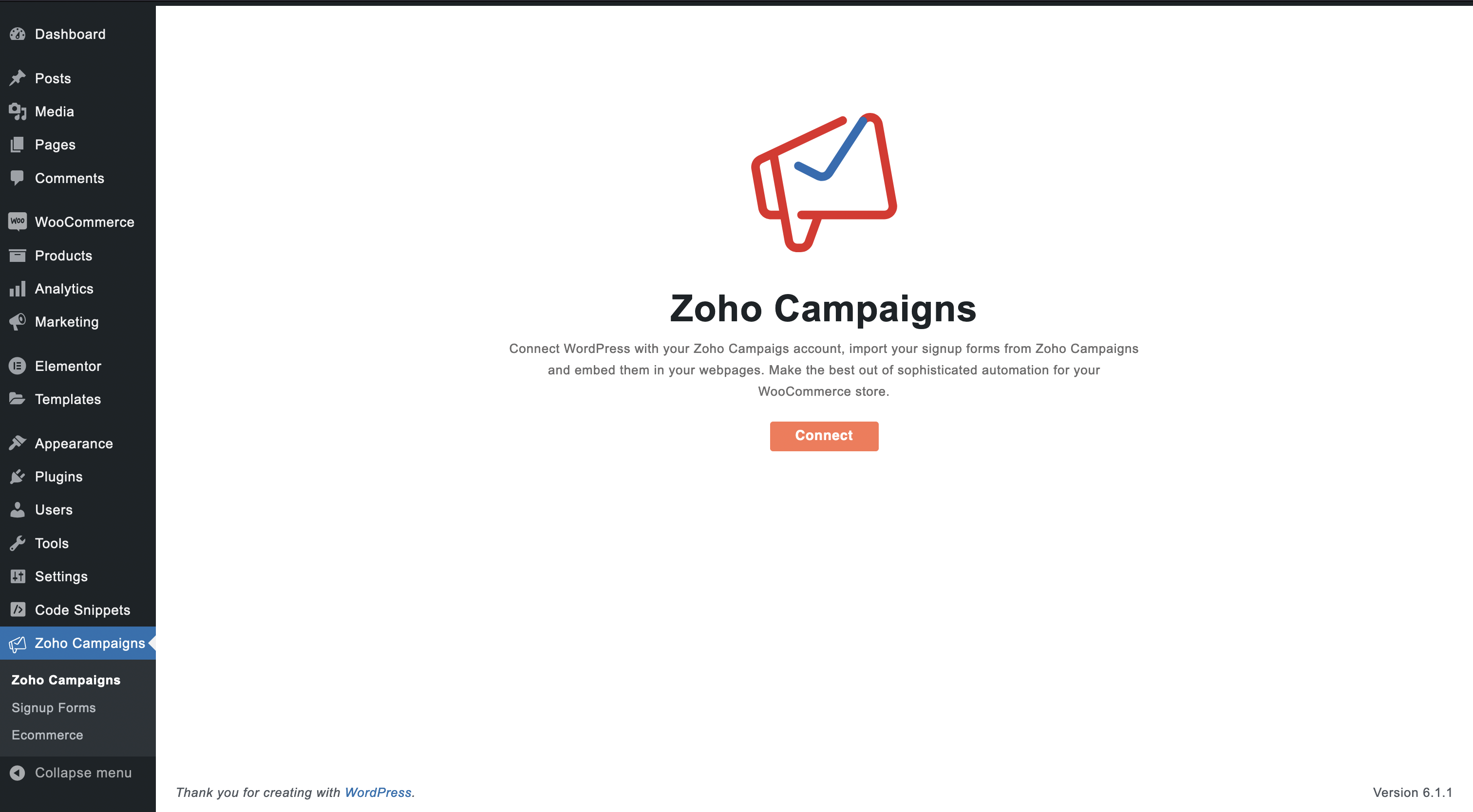
What you get inside
7 screens-
Welcome Page
-
Signup form and WooCommerce integration
-
Fetch your Signup forms
-
Signup forms
-
WooCommerce integration
-
Associate a mailing list
-
Zoho Campaigns for WooCommerce
About this plugin
Zoho Campaigns
Zoho Campaigns is an email marketing software from Zoho’s suite of business applications. With Campaigns, you can create and send emails that drive more sales and maximize engagement. From delivering personalized email experiences to building loyal customers, get on a simplified email marketing process with contact management, customer-centric content, targeted nurturing, automated followups, and advanced conditional workflows.
Signup Forms
Embed signup forms to your WordPress site and entice your web visitors to sign up for your content. Once they sign up, they are automatically added as leads in the respective mailing lists inside your Campaigns account.
- You can fetch these signup forms from your Campaigns account and embed them on your site using short codes.
- Instantly show or hide a signup form on your site through a control within WordPress.
Automated Workflows:
Zoho Campaigns’ plugin also helps you connect your complete WooCommerce store, which syns your customers’ information as well. From setting up promotional emails to instantly triggering abandoned cart messages, all your store capabilities are handled. Also, with trigger-based workflows from Zoho Campaigns, you can:
- Send detailed followups to customers and make them purchase more.
- Update seasoned customers and new buyers about your store’s offers and promotions.
- Instantly send cart abandonment messages for purchase completion.
- Set up a welcome email series for recent buyers.
- Qualify the top buyers and push them to your CRM system.
Questions
- What does the plugin do?
Zoho Campaigns plugin lets you use your signup forms in Zoho Campaigns in your webpages. The plugin also lets you connect your WooCommerce store and completely automate your ecommerce efforts.
- What can I do after I connect my WooCommerce store?
Send product promotional emails, automated abandoned cart recovery and post-purchase follow up emails with ease. Gain insights on your customers and dynamically segment them based on their purchase activities. Have the up-to-date reports of the revenue generated in your store.
- How to create a signup form in Zoho Campaigns?
Log in to Zoho Campaigns.
Go to Contacts and select Signup Forms.
Click Create Form at the top-right.
Choose a template for the form.
Associate the form with a mailing list and get the short code.
Use the form’s short code to embed it in your webpages.- How do I connect my WooCommerce store with Zoho Campaigns?
Install the Zoho Campaigns plugin in your WordPress account.
Connect your Zoho Campaigns account after installing the plugin.
Once connected, click Proceed in WooCommerce section.
Associate a mailing list in Zoho Campaigns with your WooCommerce store.- Where do I go for help with any issues?
In case, you are not sure on how to proceed with the Zoho Campaigns plugin, feel free to contact [email protected].
sandywp / also on the shelf
Try another plugin

Booster for WooCommerce – PDF Invoices, Abandoned Cart, Variation Swatches…
4.6 · 30K+ installs
Supercharge WooCommerce with FREE Abandoned Cart Recovery, Product Variation Swatches, PDF Invoices & 100+ tools. Boost sales…
-
Integrate WooCommerce with HubSpot’s free CRM, abandoned cart tracking, email marketing, marketing automation, analytics &…

ActiveCampaign for WooCommerce
4.0 · 5K+ installs
Autonomous marketing to transform your store. Fuel your customer journeys with personalized experiences across email, SMS, and…
Spin up a real WordPress site in seconds.
Test plugins, build a demo, hand a client a link — then squash it and start again. No local setup, no Docker.