sandywp / plugins / wp-table-builder

WP Table Builder
Drag & Drop Table Builder
Drag and Drop Table Builder Plugin. Build Responsive Tables Easily.
Ready in seconds.
v2.2.2 50,000+ installs WP 4.9+ PHP 7.4+
What you get inside
8 screens-
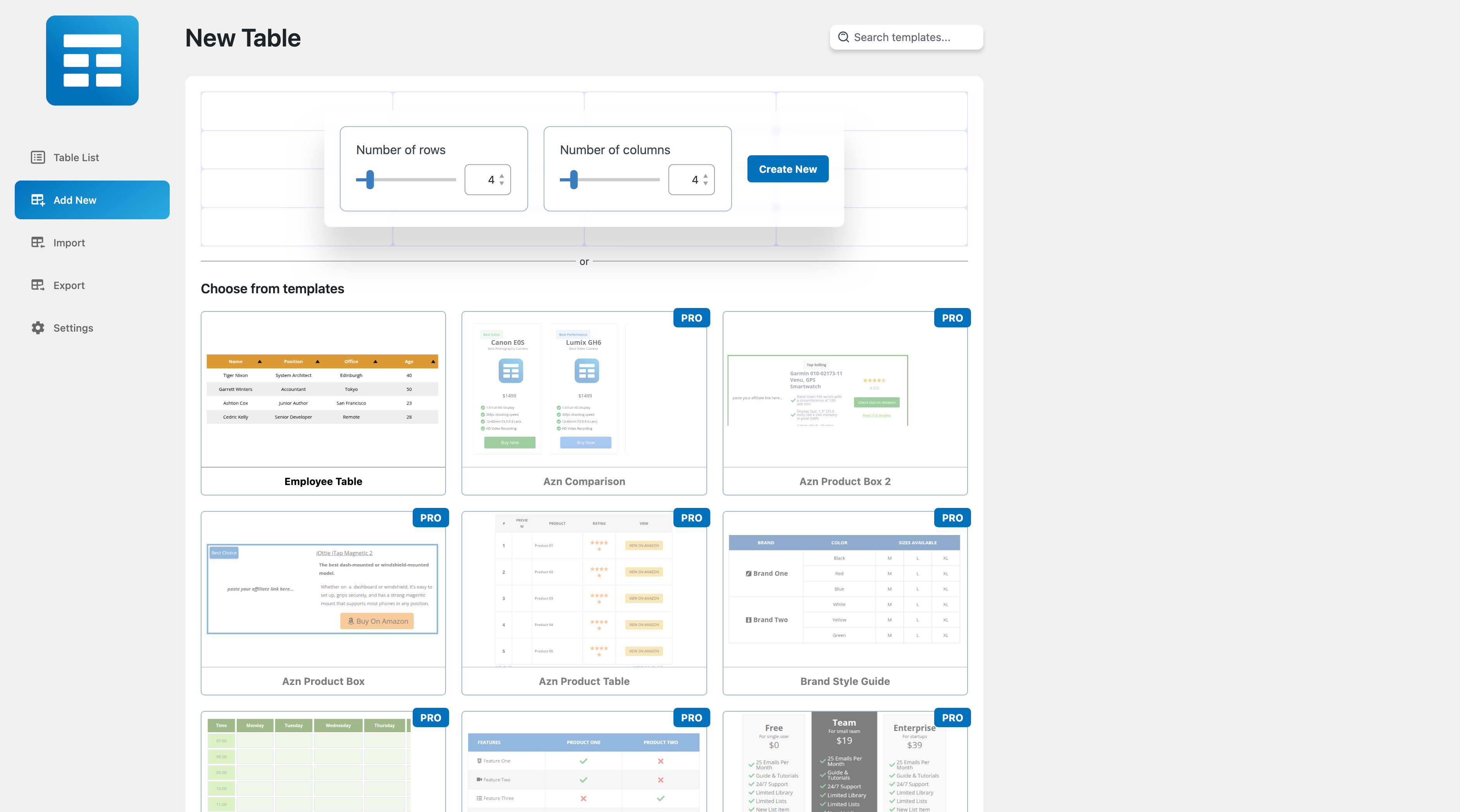
New Table.
-
Table Interface
-
Images in the Table.
-
Lists in the Table.
-
Star Ratings in the Table.
-
Buttons in the Table.
-
Customize the Table.
-
Responsive Tables.
About this plugin
Plugin Demo | Documentation | Support | Tutorials | Get Pro
WP Table Builder is a drag and drop table builder plugin for WordPress. It’s insanely easy to create responsive tables with WP Table Builder.
WP Table Builder is perfect for creating comparison tables, pricing tables, list tables and many more.
The builder comes with 7 elements right now. You can add the following elements in a table:
- Text
- Image
- List
- Button
- Star Rating
- Custom HTML
- Shortcode
All the elements come with customization options of their own.
We have a cell management mode which comes with options like Add New Row, Add New Column, Merge Cells, Split Cells and many more.
How to Use
After you install the plugin, you will see a Table Builder menu. Go to Table Builder > Add New.
You will be able select column number and row number. Once you select that, click on Generate. The table will be generated.
You can then drag and drop elements from the left panel into the table cells. Once you are done adding and editing elements, click on Save to save the tables.
After the table is saved, you can embed it in post and pages by using a shortcode. Click on ‘Embed’ on the top to get the shortcode.
You can also get the shortcode from the ‘All Tables’ list under ‘Table Builder’ menu.
Import Tables
You can import tables from CSV or XML files. You can import both single and multiple CSV or XML files. Multiple files will have to be zipped.
You can also import tables from TablePress plugin.
Export Tables
Just like importing you can export the tables to CSV or XML files.
If you are looking to move tables created with WP Table Builder to another site, XML is the better choice as it will preserve table settings.
Join Us To Get Updates and Resources
Questions
- Installation Instructions
Please remember you MUST have PHP 5.6+ to be able to use this plugin.
- Upload the plugin zip file via the plugin page of WordPress by clicking ‘Add New’ and selecting the zip from your local computer.
- Activate the plugins through the Plugins menu in WordPress.
That’s it. You’re done!
sandywp / also on the shelf
Try another plugin

Elementor Website Builder – more than just a page builder
4.5 · 10M+ installs
The Elementor Website Builder has it all: drag and drop page builder, Atomic Editor, pixel perfect design, global and reusable…

Kirki – Freeform Page Builder, Website Builder & Customizer
4.5 · 500K+ installs
Freeform page builder & website builder for WordPress. Infinite canvas for complex, interactive websites. Built-in forms,…

4.8 · 400K+ installs
Build responsive page layouts using the widgets you know and love using this simple drag and drop page builder.
Spin up a real WordPress site in seconds.
Test plugins, build a demo, hand a client a link — then squash it and start again. No local setup, no Docker.