sandywp / plugins / wp-sort-order
WP Sort Order
Order terms (Users, Posts, Pages, Custom Post Types and Custom Taxonomies) using a Drag and Drop with jQuery ui Sortable.
Ready in seconds.
v1.3.5 6,000+ installs WP 3.5.0+ PHP 7.0+
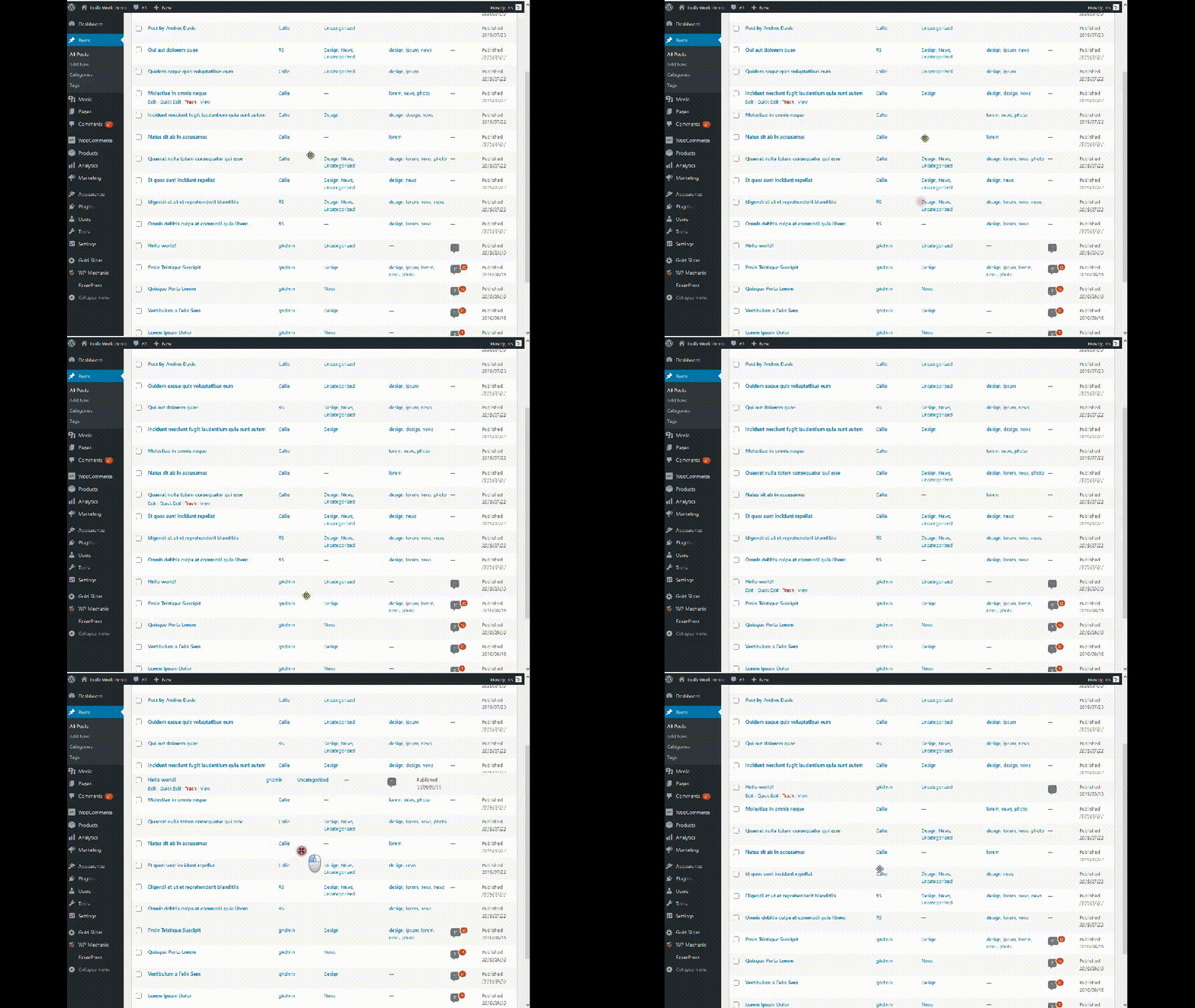
What you get inside
4 screens-
How it works?
-
Settings Page
-
Installation & Activation
-
Settings Page - Full
About this plugin
-
Author: Fahad Mahmood
-
Project URI: http://androidbubble.com/blog/wordpress/plugins/wp-sort-order
-
License: GPL 3. See License below for copyright jots and titles.
Order terms (Users, Posts, Pages, Custom Post Types and Custom Taxonomies) using a Drag and Drop with jQuery ui Sortable.
Select sortable items from ‘WP Sort Order’ menu of Setting menu in WordPress.
In addition, You can re-override the parameters of ‘orderby’ and ‘order’, by using the ‘WP_Query’ or ‘pre_get_posts’ or ‘query_posts()’.
The ‘get_posts()’ is excluded.
At a glance by WordPress Mechanic:
License
This WordPress Plugin is free software: you can redistribute it and/or modify it under the terms of the GNU General Public License as published by the Free Software Foundation, either version 2 of the License, or any later version. This free software is distributed in the hope that it will be useful, but WITHOUT ANY WARRANTY; without even the implied warranty of MERCHANTABILITY or FITNESS FOR A PARTICULAR PURPOSE. See the GNU General Public License for more details. You should have received a copy of the GNU General Public License along with this software. If not, see http://www.gnu.org/licenses/gpl-2.0.html.
Questions
- How does it work with custom taxonomies and custom post types?
- How does it work with WordPress Categories?
- How to enable sorting for posts/pages and taxonomies with this plugin?
On settings page you can select posts/pages and taxonomies to enable sorting.
- Can users be sorted with this plugin?
Yes, you can sort. And there is a shortcode to list users under taxonomy, terms and children. [WPSO_USERS slug=”taxonomy or term slug” id=”taxonomy or term id”]. This shortcode will list users on front-end with your sorted order. No need to write another query for it.
- How to re-override the parameters of ‘orderby’ and ‘order’
Sub query
By using the ‘WP_Query’, you can re-override the parameters.
-
WP_Query
‘date’,
‘order’ => ‘DESC’,
) ) ?>
Main query
By using the ‘pre_get_posts’ action hook or ‘query_posts()’, you can re-override the parameters.
-
pre_get_posts
function my_filter( $query )
{
if ( is_admin() || !$query->is_main_query() ) return;
if ( is_home() ) {
$query->set( ‘orderby’, ‘date’ );
$query->set( ‘order’, ‘DESC’ );
return;
}
}
add_action( ‘pre_get_posts’, ‘my_filter’ ); -
query_posts()
‘rand’
) ); ?>
-
Spin up a real WordPress site in seconds.
Test plugins, build a demo, hand a client a link — then squash it and start again. No local setup, no Docker.