sandywp / plugins / temporary-login

Temporary Login
Create a secure, temporary URL for easy access to your WP admin.
Ready in seconds.
v1.3.0 40,000+ installs WP 6.2+ PHP 7.4+
About this plugin
Temporary Login creates a secure, temporary URL for easy access to your WP admin with no username and password. Share this URL with trusted support agents and colleagues in order to resolve issues quickly, and shut down access as soon as you’re done.
FEATURES
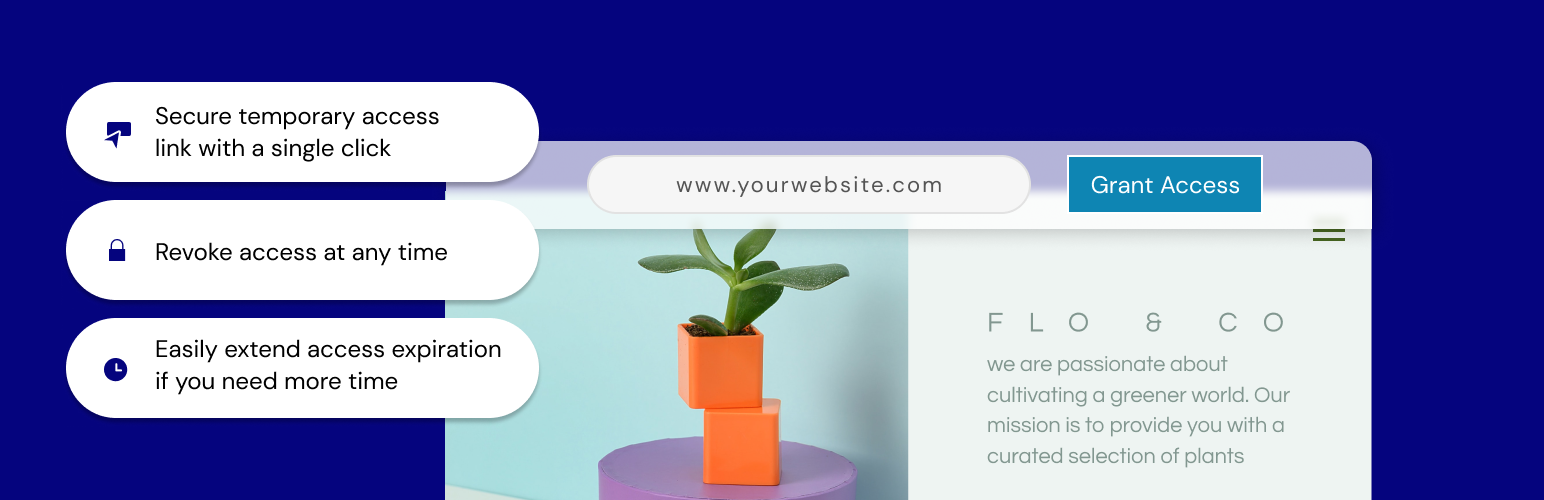
- Grant access to your site with a single click; a temporary URL will be created that you can share for admin-level access to your site and it will automatically expire 7 days from creation.
- Extend access – need more time? No problem. Just click to extend access so that users don’t get locked out.
- All done? Revoke access and the link becomes inaccessible.
- Auto disable access – whether you forget to revoke access or lose track of the timing, there’s no need to worry. We will automatically disable the access URL at the expiration, within 7 days.
CONTRIBUTION
Would you like to contribute to this plugin? You’re more than welcome to submit your pull requests on the GitHub repo. Also, if you have any notes about the code, please open a ticket on the issue tracker.
Questions
- Why do I need to use this plugin?
Temporary Login is a useful plugin that allows you to create an easy login option for temporary access to your website. If you need a support agent to help troubleshoot a problem or a colleague to make a simple change, just grant access and provide them with the URL. As soon as the work is done, you can disable access immediately.
- Can I extend the access period?
Access can be extended up to 1 week from the original expiration date by simply clicking the ‘Extend Access’ button and confirming the action.
- How secure is the URL?
The URL is very secure. In fact, it would be easier for a hacker to determine your username and password than to figure out the encryption we use here.
- What if I forget to revoke access?
Not to worry. The URL is automatically disabled at the expiration time with no action needed on your part.
- I deleted the plugin but forgot to revoke access first; what should I do?
Nothing! We disable the access as soon as you delete the plugin, so there’s nothing for you to worry about.
- How can I report security bugs?
You can report security bugs through the Patchstack Vulnerability Disclosure Program. The Patchstack team help validate, triage and handle any security vulnerabilities. Report a security vulnerability.
sandywp / also on the shelf
Try another plugin

4.8 · 2M+ installs
Change wp-login.php to anything you want.

4.8 · 1M+ installs
Loginizer is a WordPress security plugin which helps you fight against bruteforce attacks.

Security Optimizer – The All-In-One Protection Plugin
4.5 · 1M+ installs
Secure your WordPress site from brute-force attacks, threats, malware, and bots. Free to use and easy to set up.
Spin up a real WordPress site in seconds.
Test plugins, build a demo, hand a client a link — then squash it and start again. No local setup, no Docker.