sandywp / plugins / maintenance

Maintenance
Great looking maintenance, coming soon & under construction pages. Put your site under maintenance in minutes.
Ready in seconds.
v4.32 1,000,000+ installs WP 4.4+ PHP 5.2+
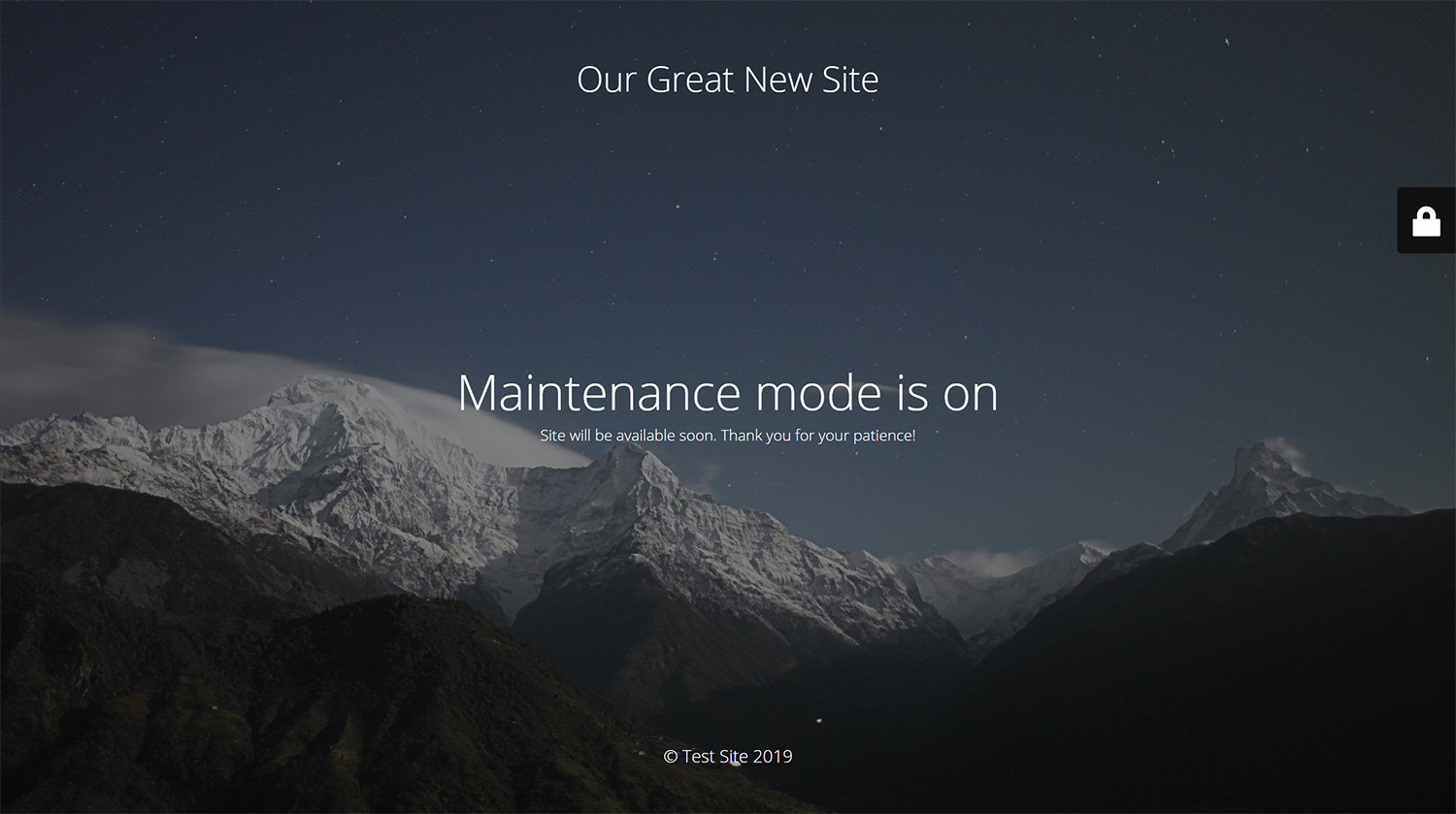
What you get inside
3 screens-
Maintenance page with default design and layout
-
Log in form is built into the maintenance page
About this plugin
WP Maintenance plugin allows the WordPress site administrator to close the website for maintenance, enable “503 Service temporarily unavailable”, set a temporary page with authorization, which can be edited via the plugin settings. Add your logo, background image, select the desired color and text – all with easy maintenance builder. Maintenance uses Bunny Fonts for EU GDPR compliance.
Need pre-made themes and over 8 million free images to build maintenance, coming soon & landing pages faster? Have a look at WP Maintenance PRO plugin.
Having problems with spam or bots? Try our free Advanced Google ReCaptcha plugin. It’s used on over 200,000 sites and provides great protection!
Features
- over 200 themes in the PRO version
- Full-screen background (Backstretch)
- Blur background effect
- Upload your own logo
- Configurable colors: fonts, icons, background
- Customize title, headline, text
- User login on frontend
- Admin bar status
- 503 error on/off
- Google analytics support
- Exclude selected pages from Maintenance mode
- Support for all popular caching plugins
- mtnc_load_maintenance_page_for_this_user filter for modifying show sees the maintenance page
Support
If you have any problems, questions or recommendations about WP Maintenance please open a ticket in the official support forum. We answer all questions within hours!
Want to say “thank you”? Please leave a review.
GDPR Compatibility
We are not lawyers. Please do not take any of the following as legal advice.
If you don’t opt to use Bunny Fonts and don’t use Google Analytics then no resources are loaded or shared with 3rd parties. And nothing is tracked. Opting to use any of those services will result in data sharing/tracking as described in their terms of service.
Maintenance uses these 3rd party libs:
- Super simple WYSIWYG editor v0.9.0, MIT
- SweetAlert 2, github.com/Sweetalert2/Sweetalert2, MIT
- jscolor Color Picker, GNU GPL v3
- Ace Editor (Ajax.org Cloud9 Editor), BSD
- Web Font Loader, Apache 2 License
Questions
- I have activated plugin and don’t see any changes, looks like plugin is not working.
Try to check in different browser. If you a logged as WordPress user you see the website in normal mode.
- Will my site remain visible to search engines while maintenance mode is on?
The site will not be visible to search engines only if “503 Service Temporarily Unavailable” option is enabled.
- Where can I find out the username and password to get to the site?
You can use your “normal” WP administrator access or create a new user in WordPress dashboard – Users.
- I haven’t found an answer to my question, what should I do?
Please post the question on the support forum.
- How can I report security bugs?
You can report security bugs through the Patchstack Vulnerability Disclosure Program. The Patchstack team help validate, triage and handle any security vulnerabilities. Report a security vulnerability.
sandywp / also on the shelf
Try another plugin

LightStart – Maintenance Mode, Coming Soon and Landing Page Builder
4.3 · 400K+ installs
Easy Drag & Drop Page Builder that adds a splash page to your site that it's perfect for a coming soon page, maintenance or…

CMP – Coming Soon & Maintenance Plugin by NiteoThemes
4.7 · 200K+ installs
Beautiful Coming soon, Maintenance or Landing page on your website, packed with premium features for free.

Minimal Coming Soon – Coming Soon Page
4.4 · 100K+ installs
Minimal Coming Soon & Maintenance Mode page! Create awesome Coming Soon Pages in seconds.
Spin up a real WordPress site in seconds.
Test plugins, build a demo, hand a client a link — then squash it and start again. No local setup, no Docker.