sandywp / plugins / linkbot-automated-internal-linking

Linkbot – Automated Internal Linking
Automate your site's internal linking and boost SEO with Linkbot's sophisticated linking strategies and analytics.
Ready in seconds.
v1.3.0 60+ installs WP 6.0+ PHP 7.4+
What you get inside
2 screensAbout this plugin
This plugin integrates the Linkbot JavaScript snippet into all WordPress pages, enhancing SEO through sophisticated internal linking strategies. It relies on Linkbot, a third-party service, to optimize website SEO by creating valuable internal links, generating detailed linking reports, and offering automated link building. This leads to better search engine comprehension, increased organic traffic, and improved sales conversions.
Key features:
- One-click installation – just paste your Linkbot Property ID.
- Automated internal linking based on your existing content.
- Detailed link analytics through your Linkbot dashboard.
- Loaded asynchronously via
deferso it never blocks page rendering.
External Services
This plugin connects to Linkbot, a third-party SEO service operated by Linkbot, in order to provide automated internal linking.
- Service: Linkbot (https://www.linkbot.com)
- Endpoint:
https://bot.linkbot.com/bot.js - When data is sent: On every front-end page load, once a Property ID has been configured.
- What is sent: The current page URL, document metadata (title, headings), the in-page link structure, and the Property ID you configured. No personally identifiable user data is collected by the plugin itself.
- Why: This data is required so that Linkbot can analyze the page and inject contextually relevant internal links, and so that link clicks can be reported back to your Linkbot dashboard.
- Terms of Service: https://linkbot.com/terms.aspx
- Privacy Policy: https://linkbot.com/privacy.aspx
By using this plugin you agree to Linkbot’s Terms of Service and Privacy Policy. Please review their policies to ensure compliance with your website’s legal requirements (including GDPR / CCPA notices to your visitors where applicable).
Questions
- Do I need a Linkbot account?
Yes. Linkbot is a third-party service. You will need a free account at linkbot.com to obtain a Property ID, which is required for the plugin to do anything.
- Where do I find my Property ID?
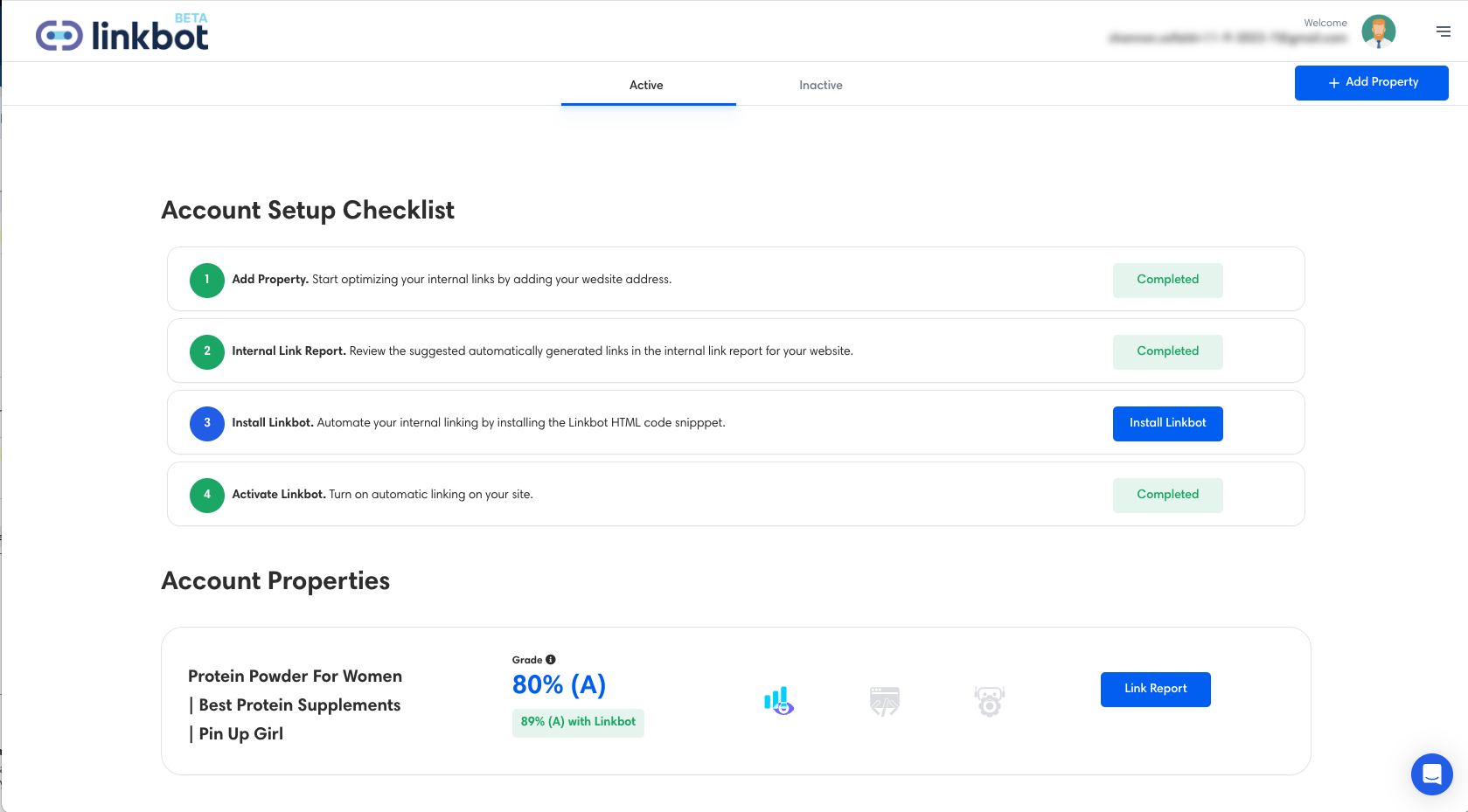
Sign in to your Linkbot dashboard. On the Account Home page, hover your mouse over your site’s property panel — a “Property Settings” link will appear. Click it. Your Property ID is displayed on the Property Settings page.
- Does the plugin send my content to a third party?
The plugin loads a small JavaScript file (
bot.js) frombot.linkbot.comon every public-facing page. That script reports the page URL and link metadata back to Linkbot’s servers so it can suggest and place internal links. See the External Services section below for full details.- Will the script slow down my site?
No. The script is loaded in the footer with the
deferattribute, so it never blocks rendering or page paint.- How do I uninstall?
Deactivate and delete the plugin from the Plugins screen. Removing the plugin stops the script from loading on your site.
sandywp / also on the shelf
Try another plugin

Automatic Internal Links for SEO by Pagup
3.0 · 1K+ installs
Build internal links from focus keywords. Manual SYNC in Free, continuous auto-sync in Pro.
-
ابزاری قدرتمند برای تحلیل کلمات کلیدی، انکر تکستها و آمار کلیک در وردپرس. مناسب برای سئوکارها، نویسندگان محتوا و مدیران سایت.
-
Automatically insert hyperlinks into your post content based on defined keywords. Free to use — powered by Sherdore.com.


Spin up a real WordPress site in seconds.
Test plugins, build a demo, hand a client a link — then squash it and start again. No local setup, no Docker.