sandywp / plugins / kripanov-anticopia

Kripanov Anticopia
Anti-copy protection: disables right-click, text selection, copy, paste, keyboard shortcuts, mobile long-press and browser inspection tools.
Ready in seconds.
v1.4.12 50+ installs WP 6.3+ PHP 7.4+
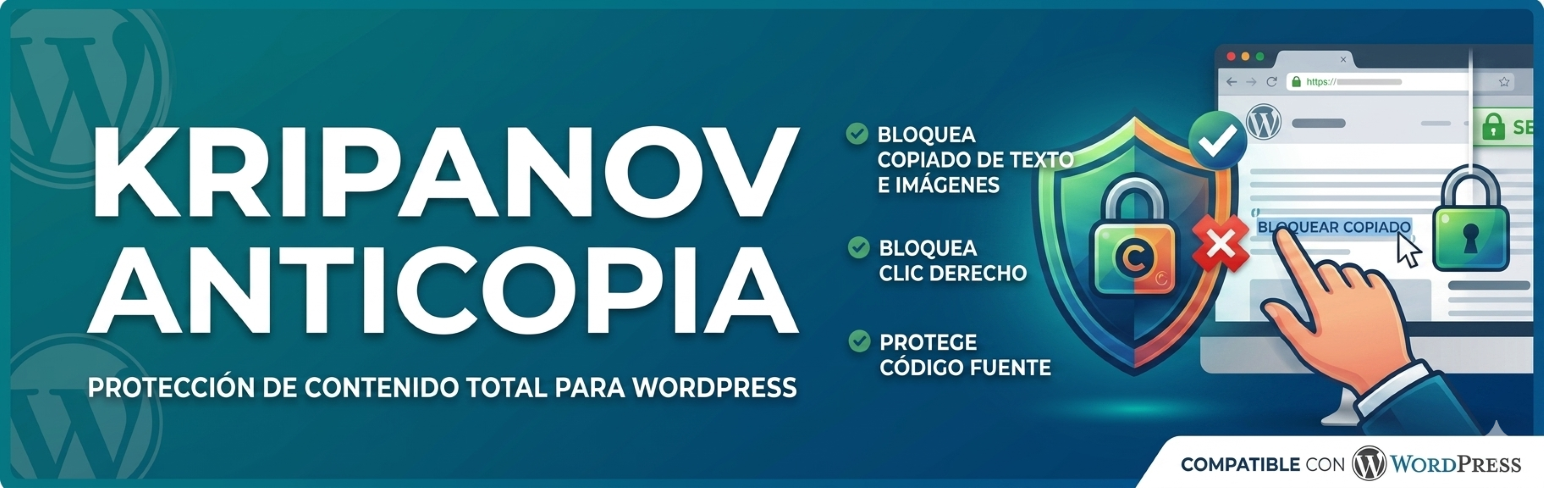
About this plugin
Kripanov Anticopia protects your WordPress content against content theft and web scraping. When activated, it disables keyboard shortcuts, right-click, copy and paste, text selection, image dragging, mobile long-press and browser inspection tools on your website.
In addition to the common copy methods, the anti-copy protection also blocks inspection tools (DevTools), poisons the clipboard on blocked copy attempts, and lets you exclude specific roles or URLs.
Features
- Disable the right-click context menu.
- Prevent text selection across the whole site.
- Block copy, cut and paste actions.
- Replace copied text with a custom protection notice (clipboard poison).
- Block keyboard shortcuts:
Ctrl/Cmd+C,Ctrl/Cmd+X,Ctrl/Cmd+V,Ctrl/Cmd+A,Ctrl/Cmd+S, plus WindowsCtrl+InsertandShift+Insert. - Block browser inspection tools:
F12,Ctrl/Cmd+Shift+I/J/C/K,Cmd+Option+I,Ctrl/Cmd+U. - Prevent image dragging and add extra figure overlays.
- Block mobile long-press / callout gestures.
- Optional text watermark on featured images and post content images (overlay and/or burned file, position, opacity, size).
- Watermarks compatible with Gutenberg, Elementor, Divi and Newspaper/tagDiv (current and older builder versions).
- Exclude watermark by category or subcategory.
- Block printing (
Ctrl/Cmd+P) and hide content on print. - Early inline guard in
<head>to reduce the unprotected load window. - Customizable notice message shown when a copy attempt is made.
- Option to exclude administrators, specific roles and URL paths.
- Full settings panel under Settings > Anticopia.
Compatibility
Verified with WordPress 7.1.5. Requires WordPress 6.3 or greater and PHP 7.4 or greater. WordPress 7.1 runs on PHP 7.4 through 8.5; PHP 8.4 and 8.5 are the versions recommended for a new WordPress 7.1 install. Uses the defer loading strategy of wp_enqueue_script (available since WP 6.3) to avoid blocking page rendering. Frontend-only: does not load scripts in wp-admin or the block editor, so it is unaffected by the iframed editor in WordPress 7.1.
Privacy
This plugin does not collect, send or store any personal data from your visitors. All processing happens client-side in the visitor’s browser.
Questions
- Is the anti-copy protection 100% foolproof?
No. No client-side protection is absolute: a technically skilled user can disable JavaScript or use advanced tools. However, for 99% of visitors and simple scrapers the protection is very effective and greatly hinders content theft.
- Can administrators be excluded from the protection?
Yes. By default, users with the
manage_optionscapability are excluded so they can continue editing, copying and inspecting the site during their work. This option can be disabled from the plugin settings. You can also exclude additional roles and specific URL paths.- Does it affect site performance?
Not noticeably. The script is very lightweight and is loaded with the
deferstrategy so it does not block page rendering. A tiny early guard is also printed in the document head.- Does it work with contact forms and comments?
Yes. The plugin detects
input,textarea,selectfields and elements withcontenteditable="true", allowing users to type, copy and paste inside them normally.- Does it work on mobile devices?
Yes. Selection, context menu, image dragging and long-press protections work on both desktop and mobile devices.
- Can I customize the notice message?
Yes. From Settings > Anticopia you can edit the toast text and the clipboard replacement text shown when a visitor tries to copy content.
sandywp / also on the shelf
Try another plugin

Init Content Protector – Anti-Copy, Anti-Scrape, Encrypt-All
5.0 · 60+ installs
Protect your content from copying, scraping, and inspection using JS blocking, keyword cloaking, noise injection, and optional…

WP Anti Copy – Protect your precious content from copying
5.0 · 10+ installs
Get a notification every time someone tries to copy your content. This will help you know instantly when some content is copied…
-
All Content Copy Protection helps you protect your website content by disabling text selection, copying, right-clicking, and…

Spin up a real WordPress site in seconds.
Test plugins, build a demo, hand a client a link — then squash it and start again. No local setup, no Docker.