sandywp / plugins / dynamic-front-end-heartbeat-control

Dynamic Front-End Heartbeat Control
An enhanced solution to optimize the performance of your WordPress website and automatically achieve the best Heartbeat API values.
Ready in seconds.
v1.2.998.1 1,000+ installs WP 5.5+ PHP 7.2+
What you get inside
2 screens-
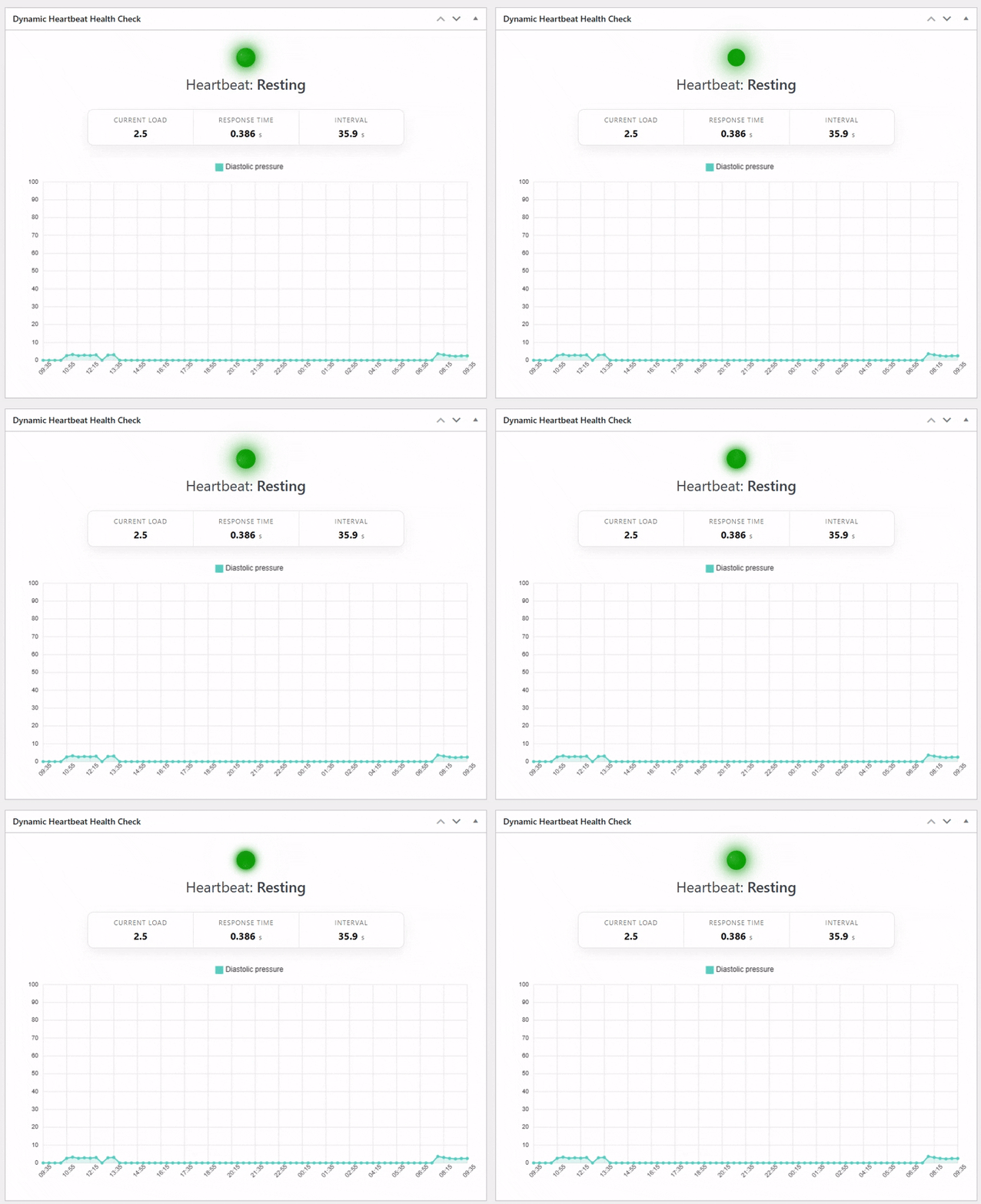
Dashboard status widget
-
Settings > DFEHC
About this plugin
Your all-in-one solution for intelligently optimizing the WordPress Heartbeat API.
This plugin stabilizes server load and improves the browsing experience during traffic spikes by dynamically controlling the Heartbeat interval based on real site conditions. Instead of relying on outdated manual tuning or fixed settings, it continuously analyzes factors such as user activity, server environment, and page complexity to determine the most efficient configuration for your website.
Designed to work seamlessly alongside most performance and caching plugins, it introduces an adaptive approach that helps your WordPress installation operate at its full potential without adding unnecessary server overhead.
Once activated, the plugin begins optimizing immediately—no configuration required in most cases. It intelligently adjusts the Heartbeat interval in real time, responding to changes in traffic and workload to maintain stability, responsiveness, and optimal performance.
Features:
✅ Dynamically optimizes the WordPress Heartbeat API using real-time site conditions
✅ Smart automation with optional manual control when you need it
✅ Custom intervals for the Admin Dashboard and Editor environments
✅ Option to completely disable Heartbeat with a single click
✅ Advanced real-time decision making with minimal server overhead that completely prioritises user experience and website speed
✅ One-click database cleanup to remove unnecessary clutter
✅ Works alongside most caching and performance plugins
✅ Multisite compatible
✅ Install, activate, done — performance improvements begin immediately
For optimal results, it is recommended to use this plugin alongside a caching solution and properly optimized pages (minified CSS and JavaScript, compressed and optimized images, etc.).
Additional Important Information:
Some caching plugins provide manual control over the WordPress Heartbeat API. For best results, allow this plugin to manage the heartbeat intervals automatically. You may continue using other performance features from those plugins, but avoid enabling their manual heartbeat controls.
GDPR-friendly design: The plugin may set a lightweight cookie used solely for visitor counting and abuse prevention (rate limiting). No personal data is collected, tracked, or shared with third parties.
Rigorously tested to maintain reliable performance during high-traffic spikes and under constrained server resources.
Questions
- How is this different from setting a manual frequency?
A manual heartbeat frequency is a fixed value chosen to fit your general usage scenario. However, this static setting isn’t always ideal for every front-end visitor at the moment they access your site, which can result in longer and unnecessary load times.
With a dynamic heartbeat frequency, your website can consistently operate at optimal performance. This is especially valuable for sites in highly competitive niches where every metric affects search rankings, ad performance, and even hosting costs. A real-time adaptive frequency ensures each visitor receives the most efficient heartbeat interval, reducing response times, improving page load speed, and minimizing unnecessary server load.
- How do I configure the plugin on my website?
The plugin automatically delivers the most optimal heartbeat frequency by analyzing your hosting environment, website size, and real usage patterns. In most cases, no user intervention is required after activation.
You can access Settings → DFEHC in the WordPress admin to view available configuration options, such as setting a manual heartbeat frequency or disabling the heartbeat entirely. For advanced users working on specific or unusual projects, the plugin also provides several filters that allow fine-tuning and precise control over the heartbeat pace.
- I have existing performance and SEO optimization plugins. Will this plugin cause any conflicts?
Not at all. This plugin is built to enhance your website’s performance and is fully compatible with all major performance and SEO tools. The only potential overlap is that some of these plugins may include an option to set a manual heartbeat frequency. This is the only area where settings can compete.
Even if both are enabled, your website will not crash. However, to ensure the heartbeat frequency remains dynamically managed, avoid enabling or configuring manual heartbeat frequency settings in other caching or performance plugins while using this plugin.
sandywp / also on the shelf
Try another plugin

4.2 · 80K+ installs
Allows you to easily manage the frequency of the WordPress heartbeat API.

5.0 · 30+ installs
Amuga Ajax Log is a tool built for troubleshooters who need to know what is hitting admin-ajax.
Spin up a real WordPress site in seconds.
Test plugins, build a demo, hand a client a link — then squash it and start again. No local setup, no Docker.