sandywp / plugins / disable-xml-rpc-api
Disable XML-RPC-API
A simple and lightweight plugin to disable XML-RPC API, X-Pingback and pingback-ping in WordPress 3.5+ for a faster and more secure website
Ready in seconds.
v2.1.7 100,000+ installs WP 5.0+
What you get inside
2 screensAbout this plugin
Protect your website from xmlrpc brute-force attacks,DOS and DDOS attacks, this plugin disables the XML-RPC and trackbacks-pingbacks on your WordPress website.
PLUGIN FEATURES
(These are options you can enable or disable each one)
- Disable access to xmlrpc.php file using .httacess file
- Automatically change htaccess file permission to read-only (0444)
- Disable X-pingback to minimize CPU usage
- Disable selected methods from XML-RPC
- Remove pingback-ping link from header
- Disable trackbacks and pingbacks to avoid spammers and hackers
- Rename XML-RPC slug to whatever you want
- Black list IPs for XML-RPC
- White list IPs for XML-RPC
- Some options to speed-up your wordpress website
- Disable JSON REST API
- Hide WordPress Version
- Disable built-in WordPress file editor
- Disable wlw manifest
- And some other options
What is XMLRPC
XML-RPC, or XML Remote Procedure Call is a protocol which uses XML to encode its calls and HTTP as a transport mechanism.
Beginning in WordPress 3.5, XML-RPC is enabled by default. Additionally, the option to disable/enable XML-RPC was removed. For various reasons, site owners may wish to disable this functionality. This plugin provides an easy way to do so.
Why you should disable XML-RPC
Xmlrpc has two main weaknesses
- Brute force attacks:
Attackers try to login to WordPress using xmlrpc.php with as many username/password combinations as they can enter. A method within xmlrpc.php allows the attacker to use a single command (system.multicall) to guess hundreds of passwords. Daniel Cid at Sucuri described it well in October 2015: “With only 3 or 4 HTTP requests, the attackers could try thousands of passwords, bypassing security tools that are designed to look and block brute force attempts.” - Denial of Service Attacks via Pingback:
Back in 2013, attackers sent Pingback requests through xmlrpc.php of approximately 2500 WordPress sites to “herd (these sites) into a voluntary botnet,” according to Gur Schatz at Incapsula. “This gives any attacker a virtually limitless set of IP addresses to Distribute a Denial of Service attack across a network of over 100 million WordPress sites, without having to compromise them.”
Questions
- Is there an admin interface for this plugin?
Yes, You can find the “XML-RPC Security” in your admin menu.
- How do I know if the plugin is working?
There are three easy methods for checking if XML-RPC is off:
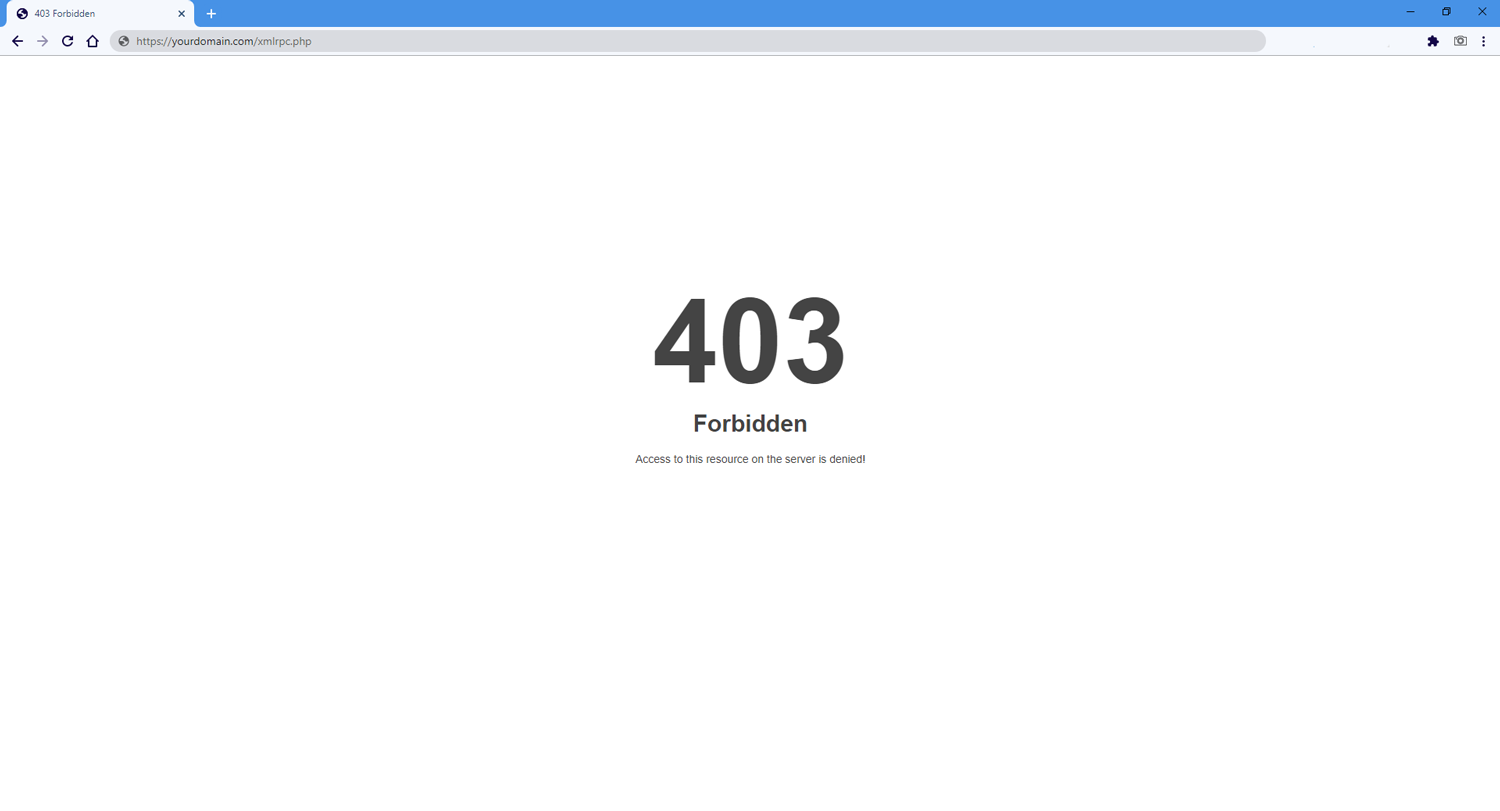
1. Easiest way is going to this url: http://yourdomain/xmlrpc.php enter your domain name instead of ‘yourdomain’ if you see “Access forbidden!” or “403 error” it’s working.
2. First, try using an XML-RPC client, like the official WordPress mobile apps. The WordPress mobile app should tell you that “XML-RPC services are disabled on this site” if the plugin is activated.
3. Or you can try the XML-RPC Validator, written by Danilo Ercoli of the Automattic Mobile Team – the tool is available at http://xmlrpc.eritreo.it/ with a blog post about it at http://daniloercoli.com/2012/05/15/wordpress-xml-rpc-endpoint-validator/. Keep in mind that you want the validator to fail and tell you that XML-RPC services are disabled.- Something doesn’t seem to be working correctly
If the plugin is activated, but XML-RPC appears to still be working … OR … the plugin is deactivated, but XML-RPC is not working, then it’s possible that another plugin or theme function is affecting the plugin functions.
sandywp / also on the shelf
Try another plugin

Simple Disable XML-RPC | Reduce Brute Force & DDOS Attacks
5.0 · 1K+ installs
Simply disable XML-RPC on your WordPress site with a simple toggle switch. Protect your site from XML-RPC attacks and improve…

10+ installs
Security plugin that stops User Enumeration in WordPress, removes WordPress Version Number, disable directory browsing and…

Senpai Software – Two-factor authentication (2FA) with a key file
5.0 · 10+ installs
Get strong protection against brute force attacks with unique two-factor authentication.
Spin up a real WordPress site in seconds.
Test plugins, build a demo, hand a client a link — then squash it and start again. No local setup, no Docker.