sandywp / plugins / change-admin-logo

Change WordPress Admin Logo
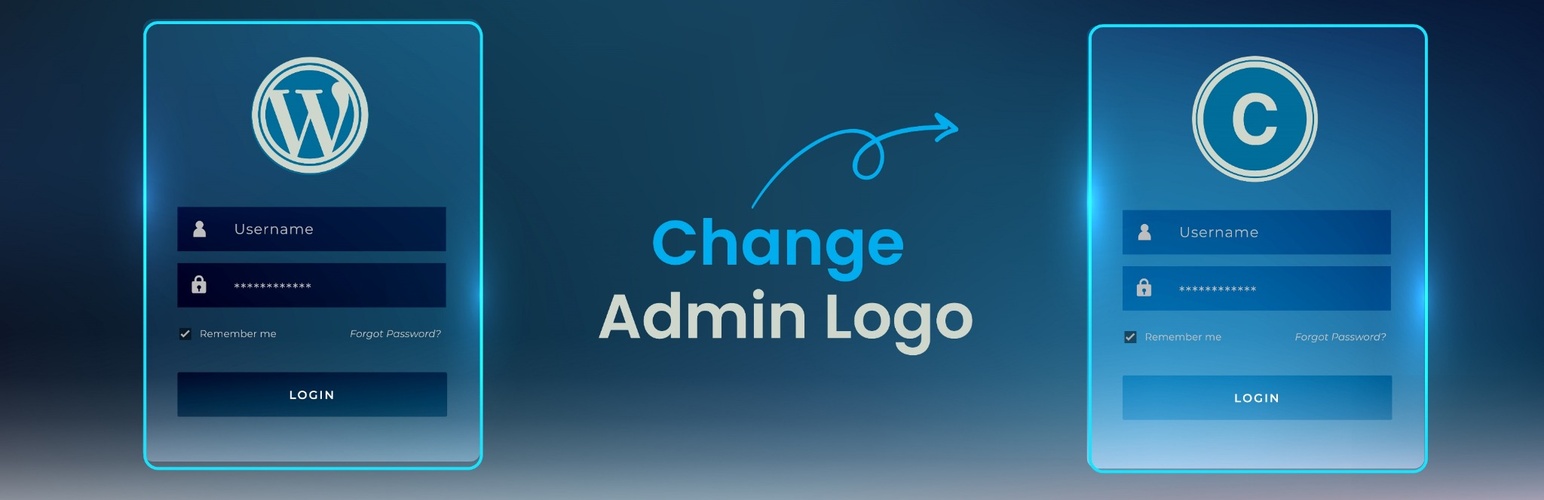
Change WordPress admin logo with your own brand. Lightweight, easy-to-use plugin with no coding needed.
Ready in seconds.
v1.3 300+ installs WP 5.0+ PHP 7.0+
About this plugin
Change WordPress Admin Logo is a lightweight and user-friendly plugin that allows you to replace the default WordPress logo on the login page with a custom logo of your choice. Whether you’re building a site for a client or branding your own website, this plugin provides a quick and simple way to personalize the login experience—no need for CSS tweaks or code editing.
Features
- Upload your own logo for the login screen
- Simple and intuitive interface
- No coding or custom CSS required
- Lightweight and optimized for performance
- Keeps your site looking professional and on-brand
Usage
- After activation, look for the new menu item called Custom Admin Logo in your WordPress admin sidebar.
- Click on it to access the settings page.
- Upload your desired logo image.
- Save your changes. Your login screen will now display the custom logo you uploaded.
Questions
- How do I upload my custom logo?
After activating the plugin, navigate to the Custom Admin Logo menu in the WordPress admin sidebar. On the plugin settings page, you’ll see an option to upload your custom logo. Once uploaded, the new logo will automatically appear on your login page.
- What image formats are supported?
You can upload PNG, JPG, or GIF formats. For best results, we recommend using a transparent PNG with a size around 320×80 pixels.
- Will this plugin work with any theme?
Yes, this plugin works independently of your theme. It will replace the logo on the default WordPress login screen regardless of the active theme.
sandywp / also on the shelf
Try another plugin

4.6 · 6K+ installs
Add a custom logo to your wp-admin and login page.

30+ installs
Login Page Logo Change - Allow you to add a custom logo to your WordPress login page instead of the default WordPress logo and…

10+ installs
Customize your admin login page: change the default logo and add your own logo. You also can add a custom text, load a css that…
Spin up a real WordPress site in seconds.
Test plugins, build a demo, hand a client a link — then squash it and start again. No local setup, no Docker.